Die komplette Beschreibung im Überblick.
The complete description at a glance.
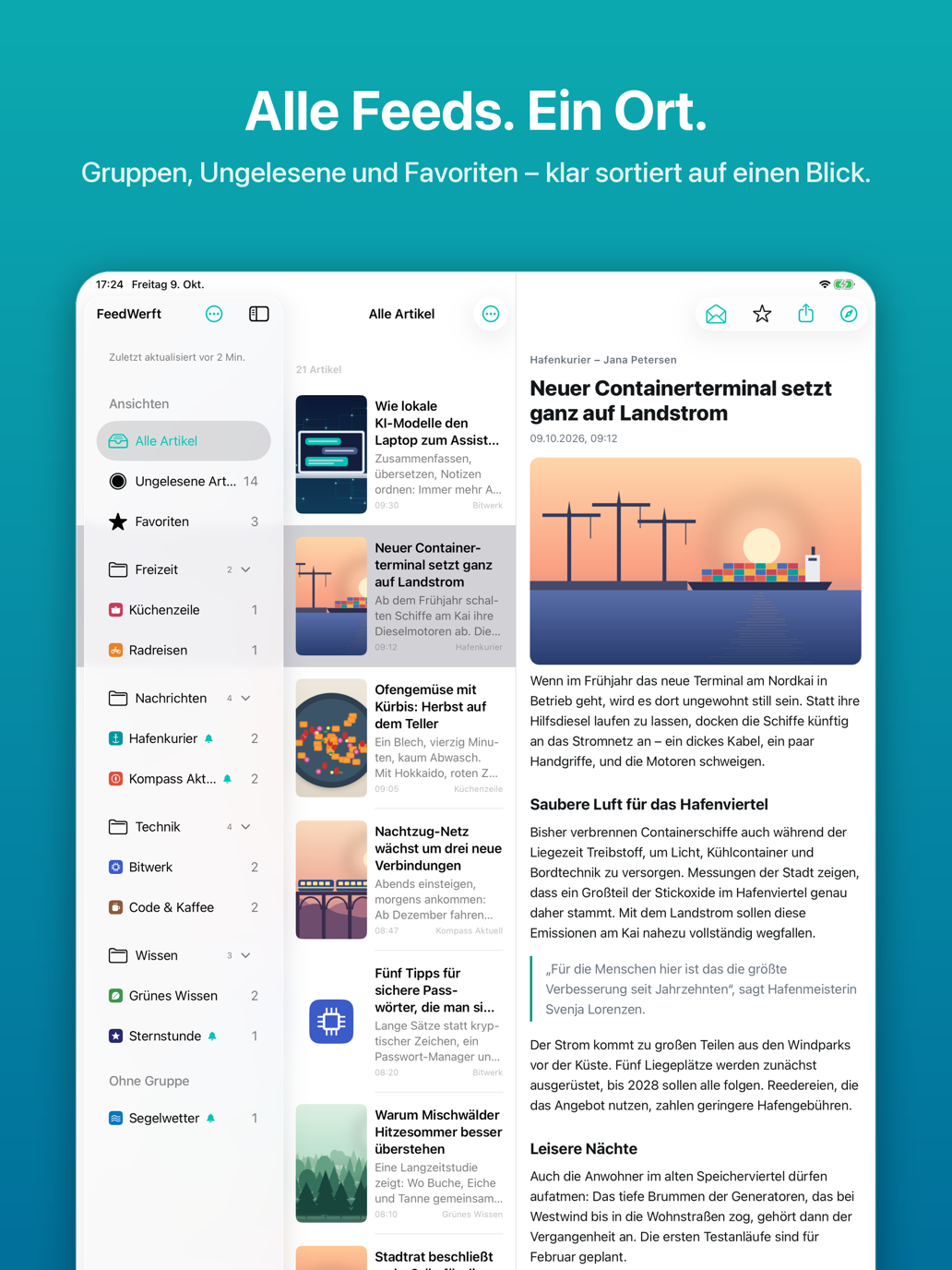
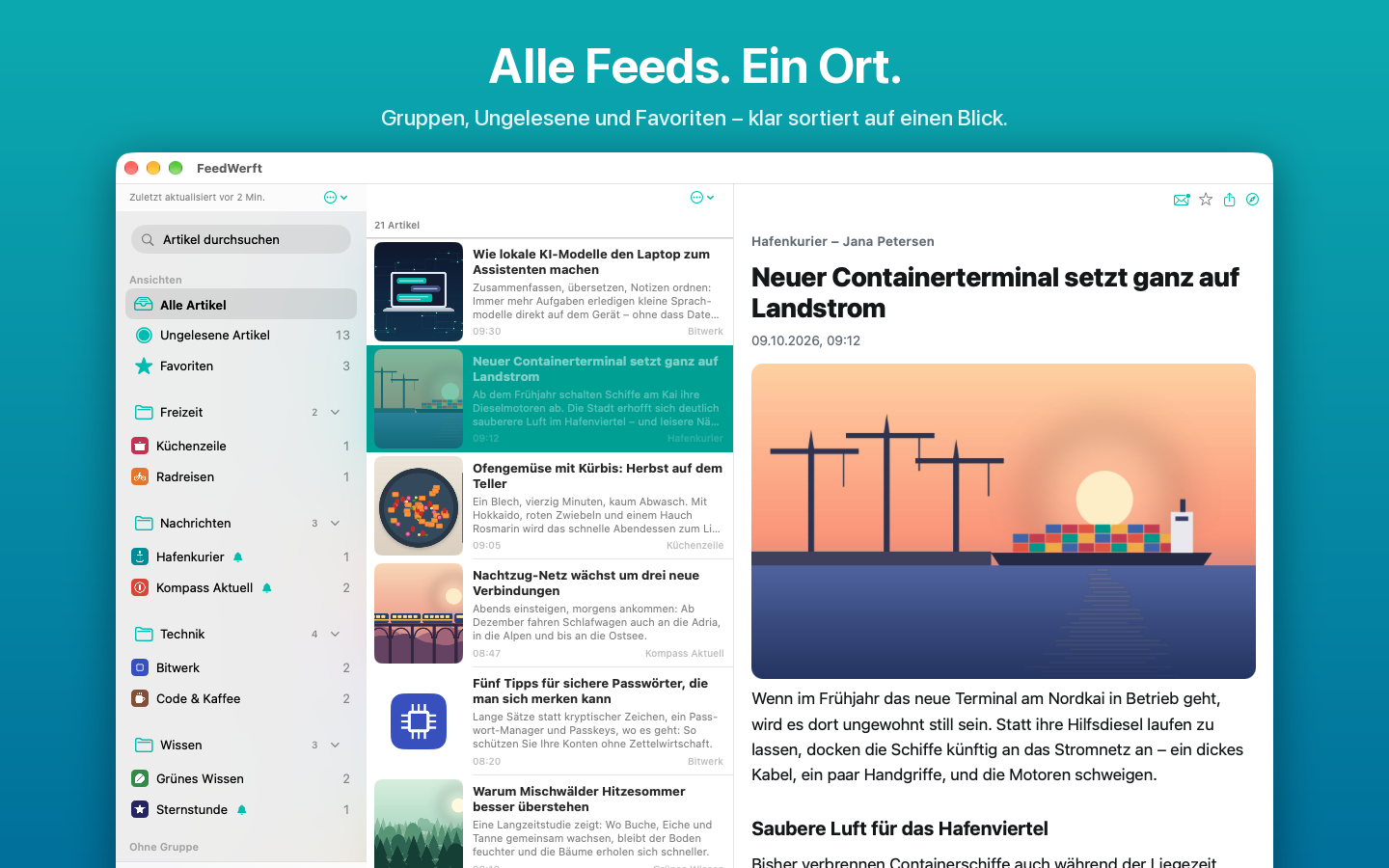
Alle Feeds an einem Ort
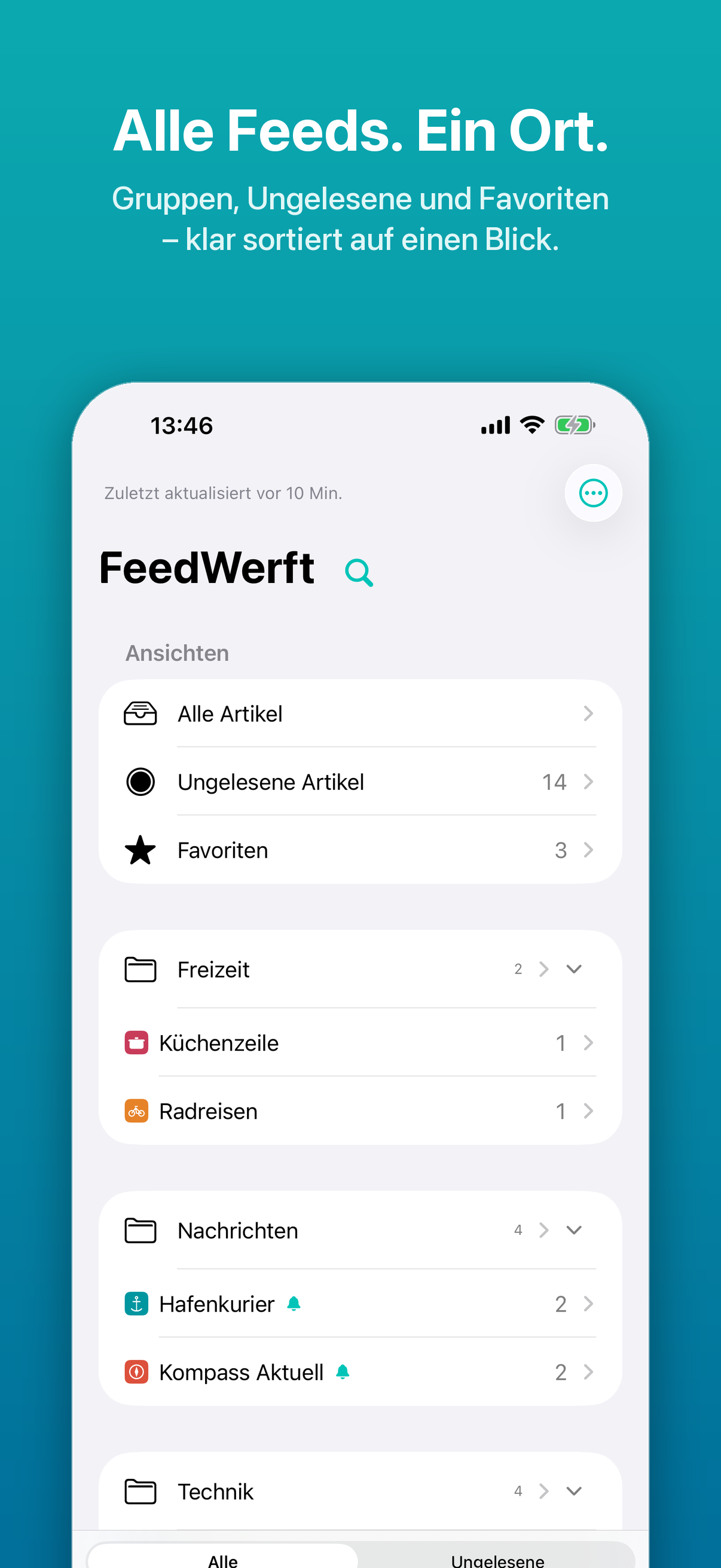
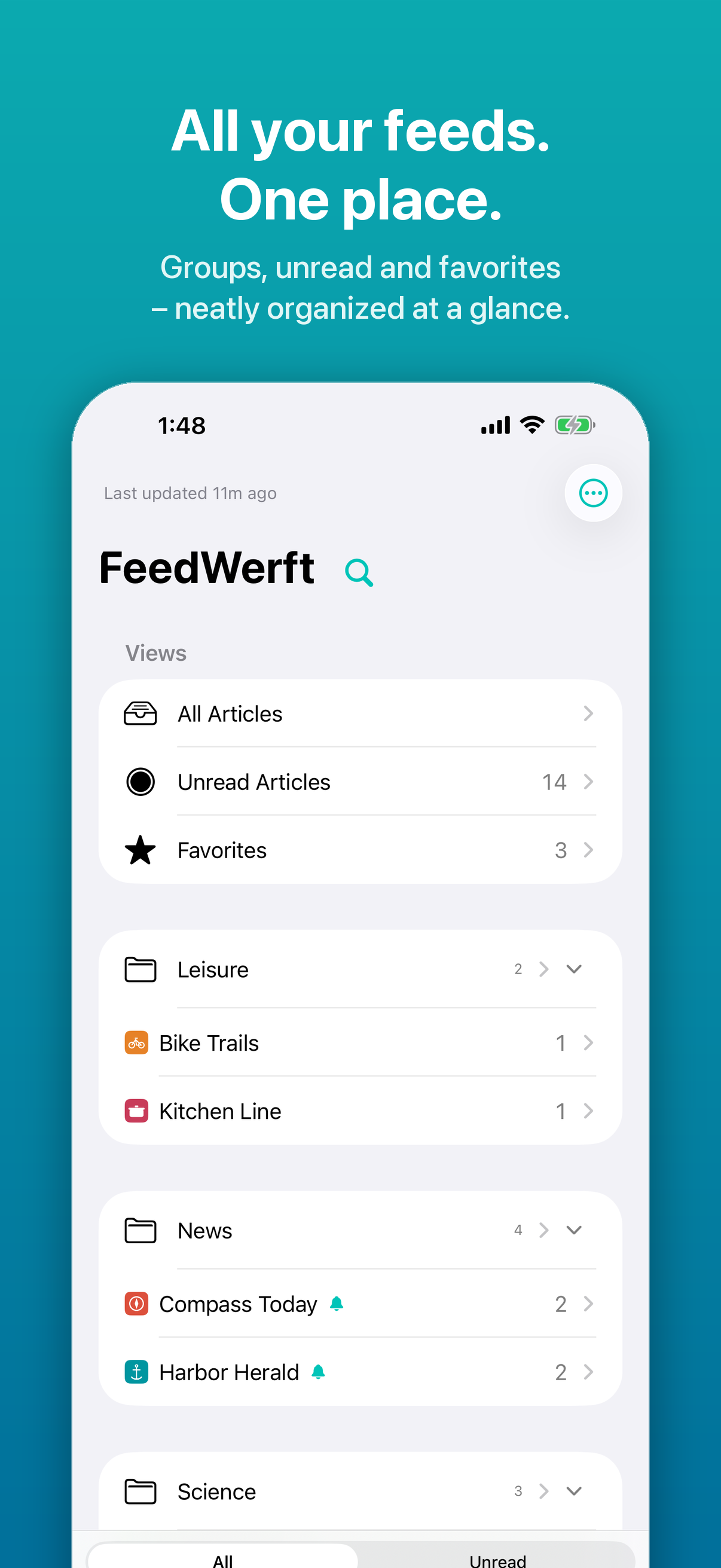
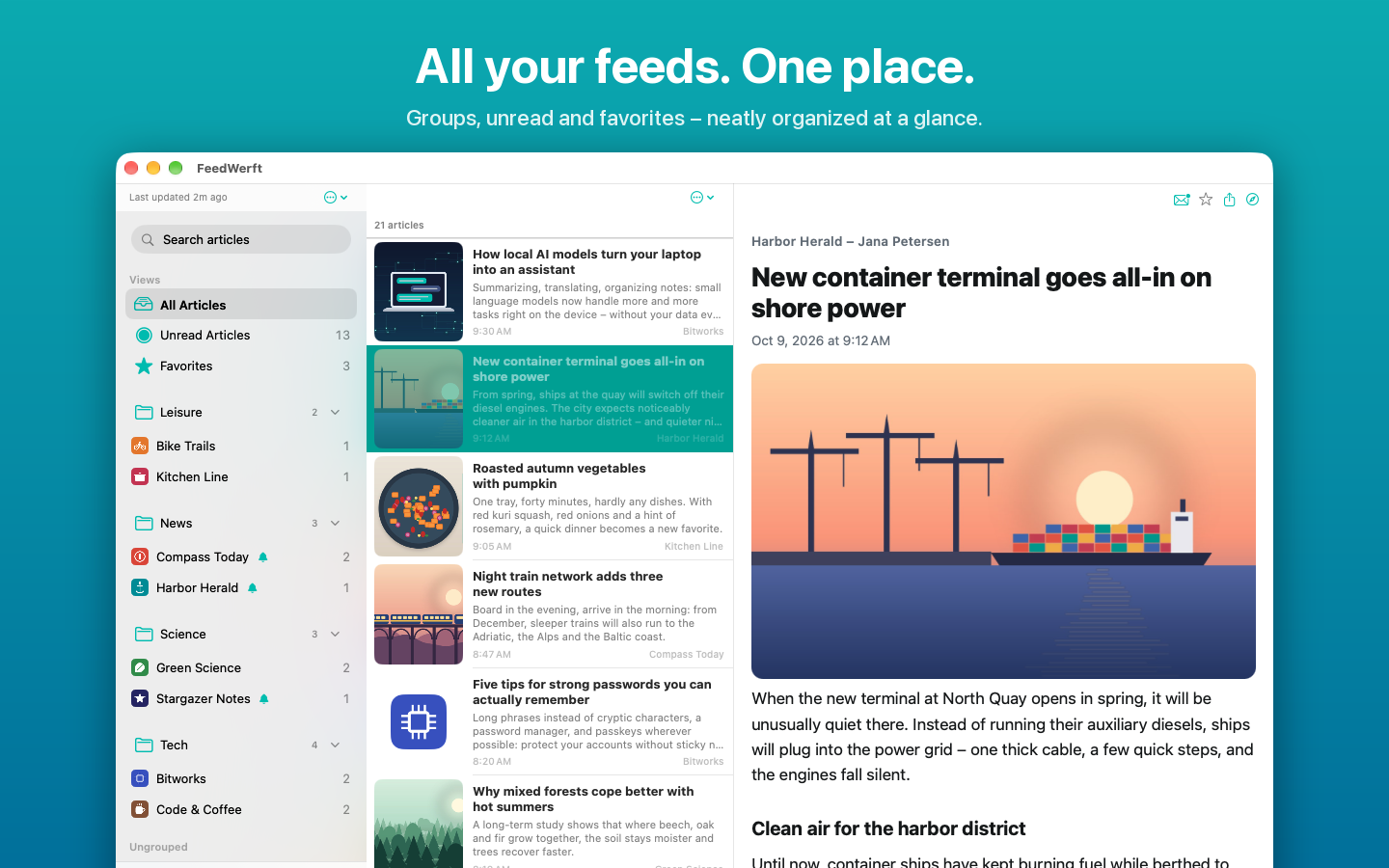
FeedWerft sammelt Nachrichten, Blogs und YouTube-Kanäle in einer übersichtlichen Liste. Gib einfach die Adresse einer Webseite ein – FeedWerft sucht die passenden RSS- oder Atom-Feeds selbst heraus. Ordne deine Feeds in Gruppen und sieh auf einen Blick, wo es Neues gibt.
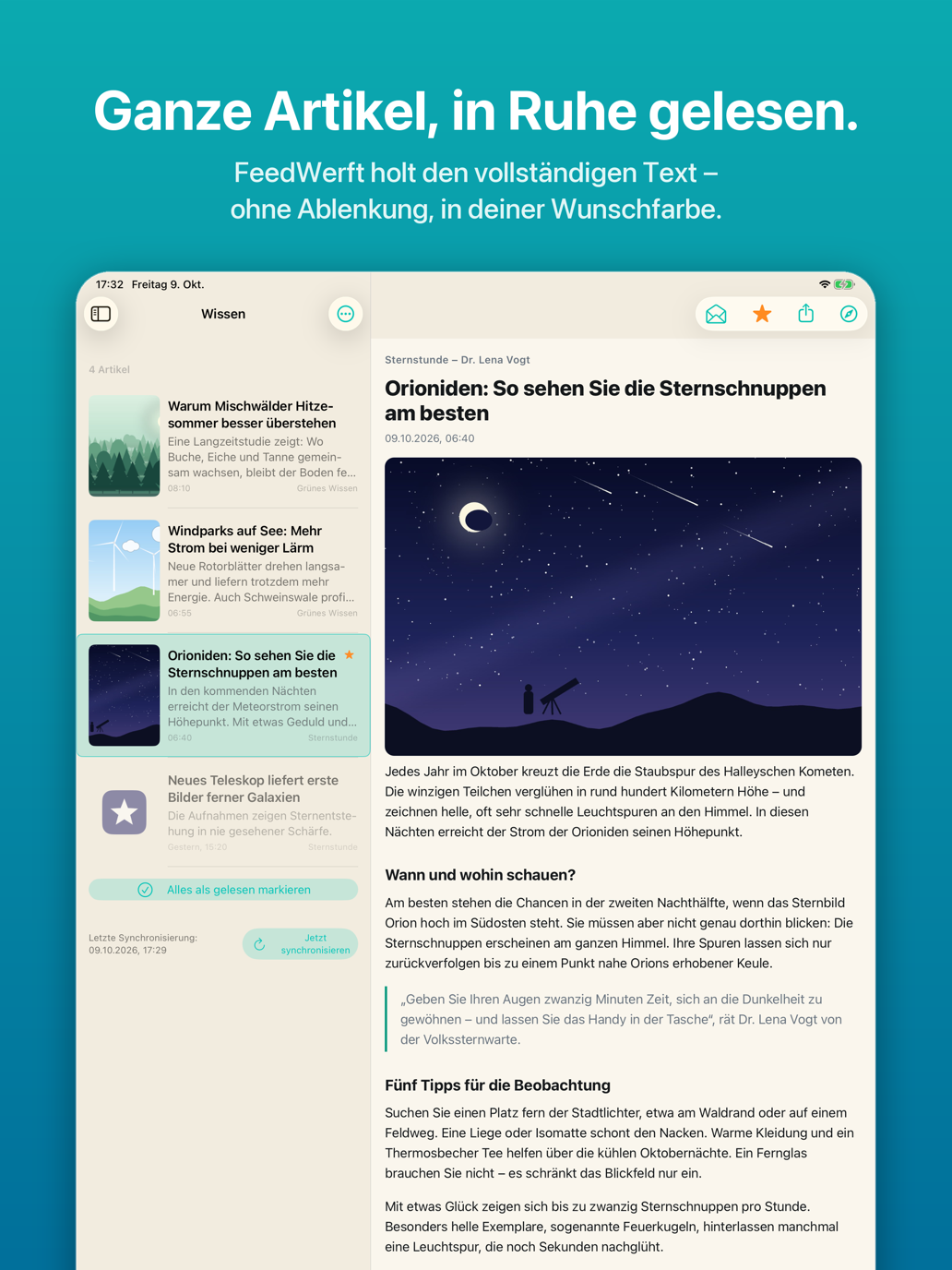
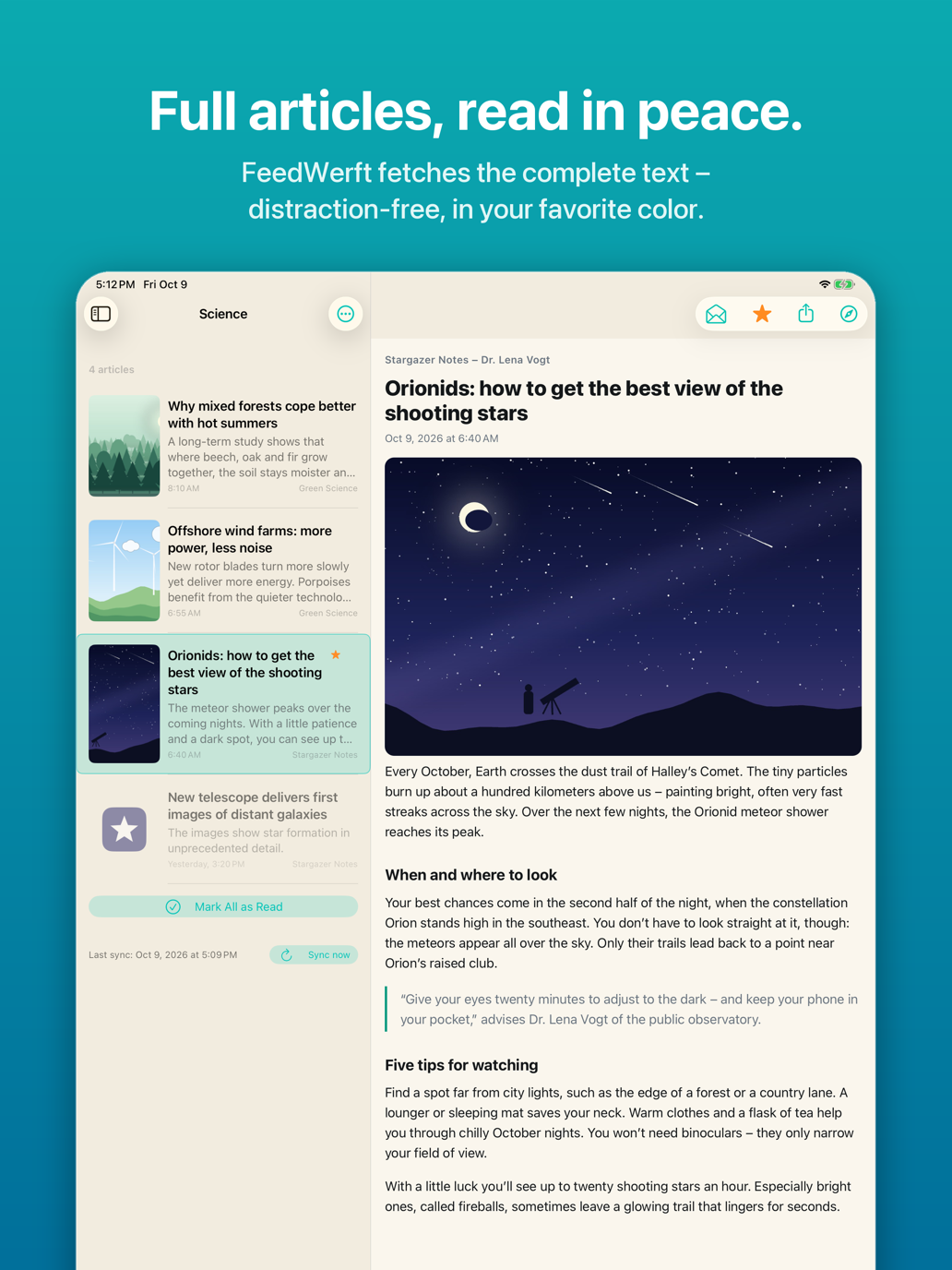
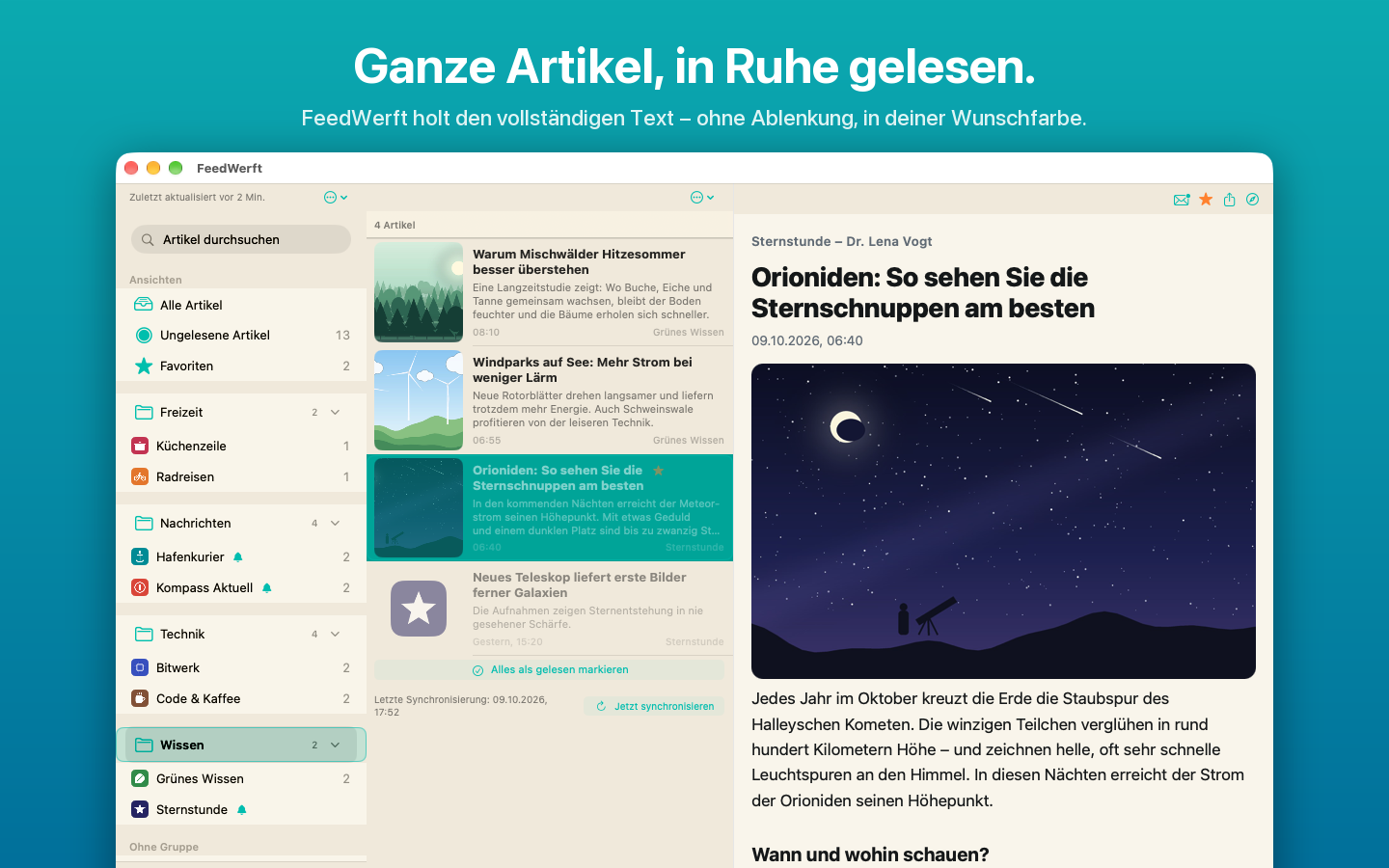
Ganze Artikel, in Ruhe gelesen
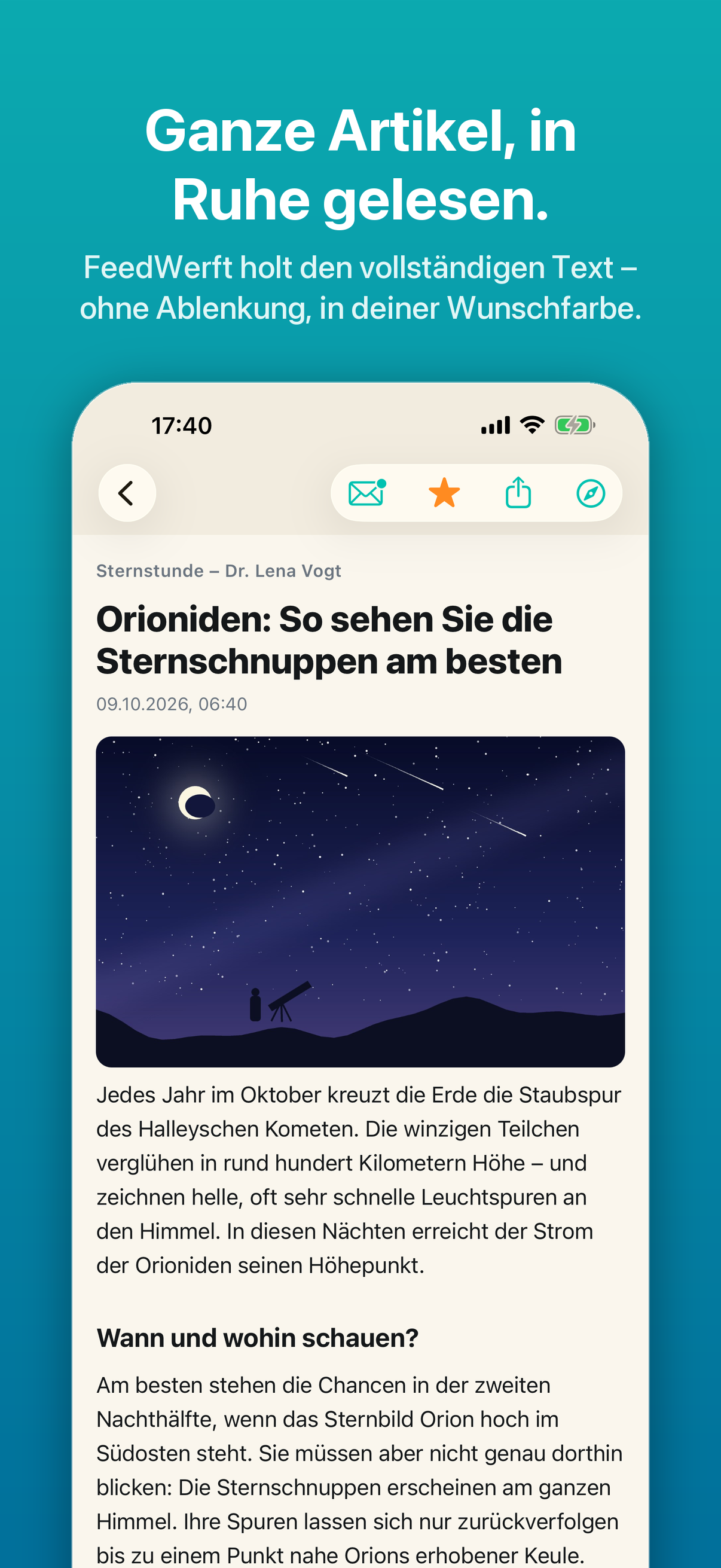
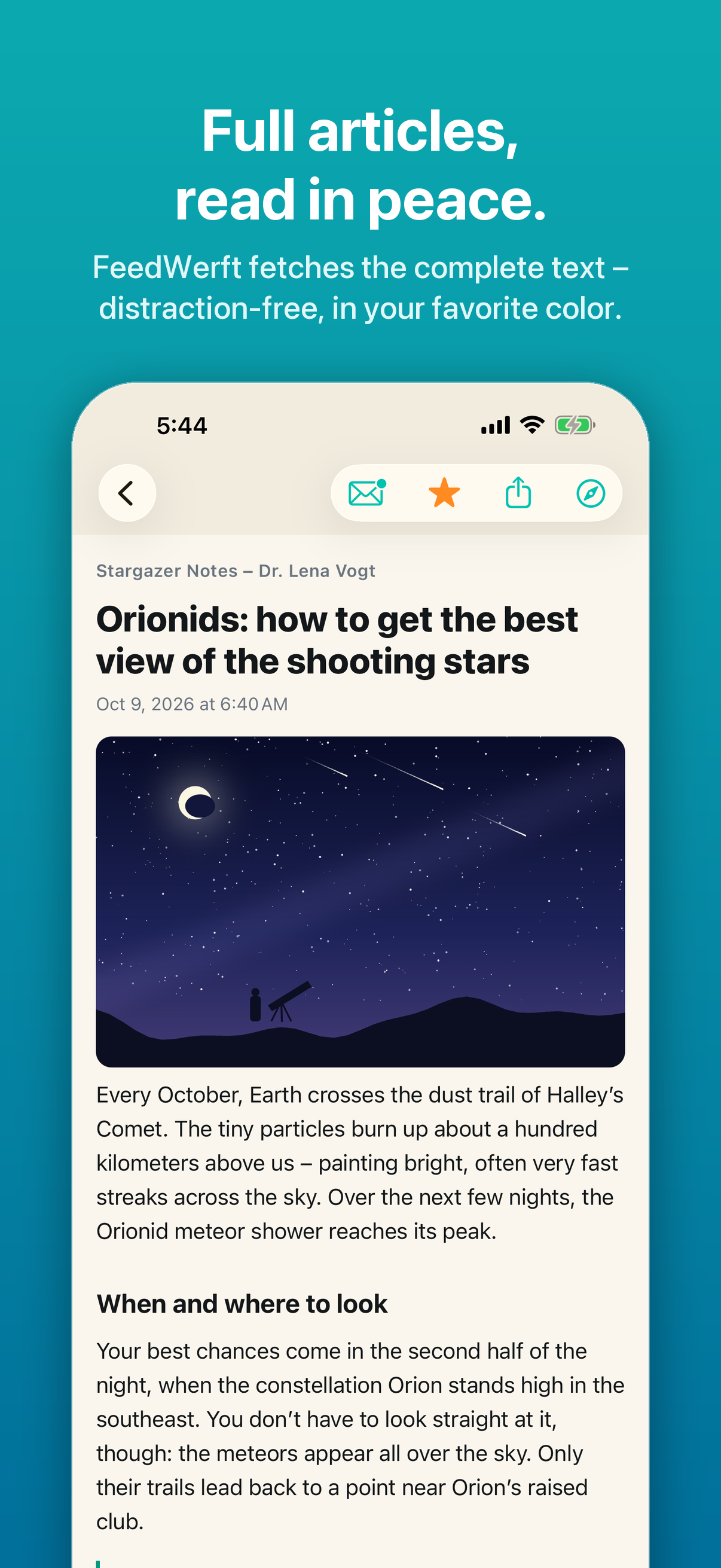
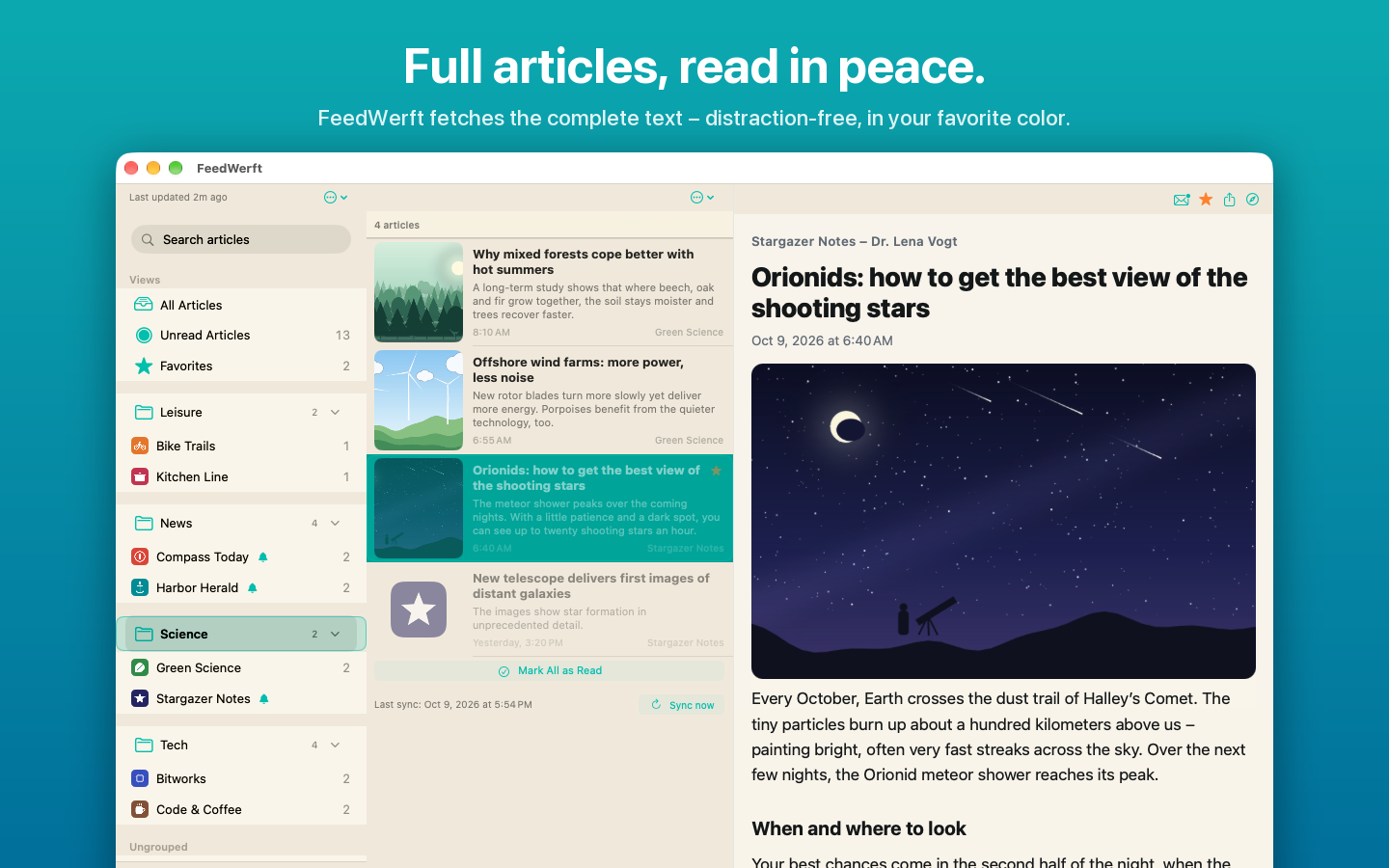
Viele Feeds liefern nur einen kurzen Anriss. FeedWerft lädt auf Wunsch den vollständigen Artikel von der Webseite und zeigt ihn aufgeräumt in der App – ohne Werbebanner, Pop-ups und Ablenkung. Für Webseiten mit Abo kannst du deine Zugangsdaten sicher im Schlüsselbund hinterlegen.
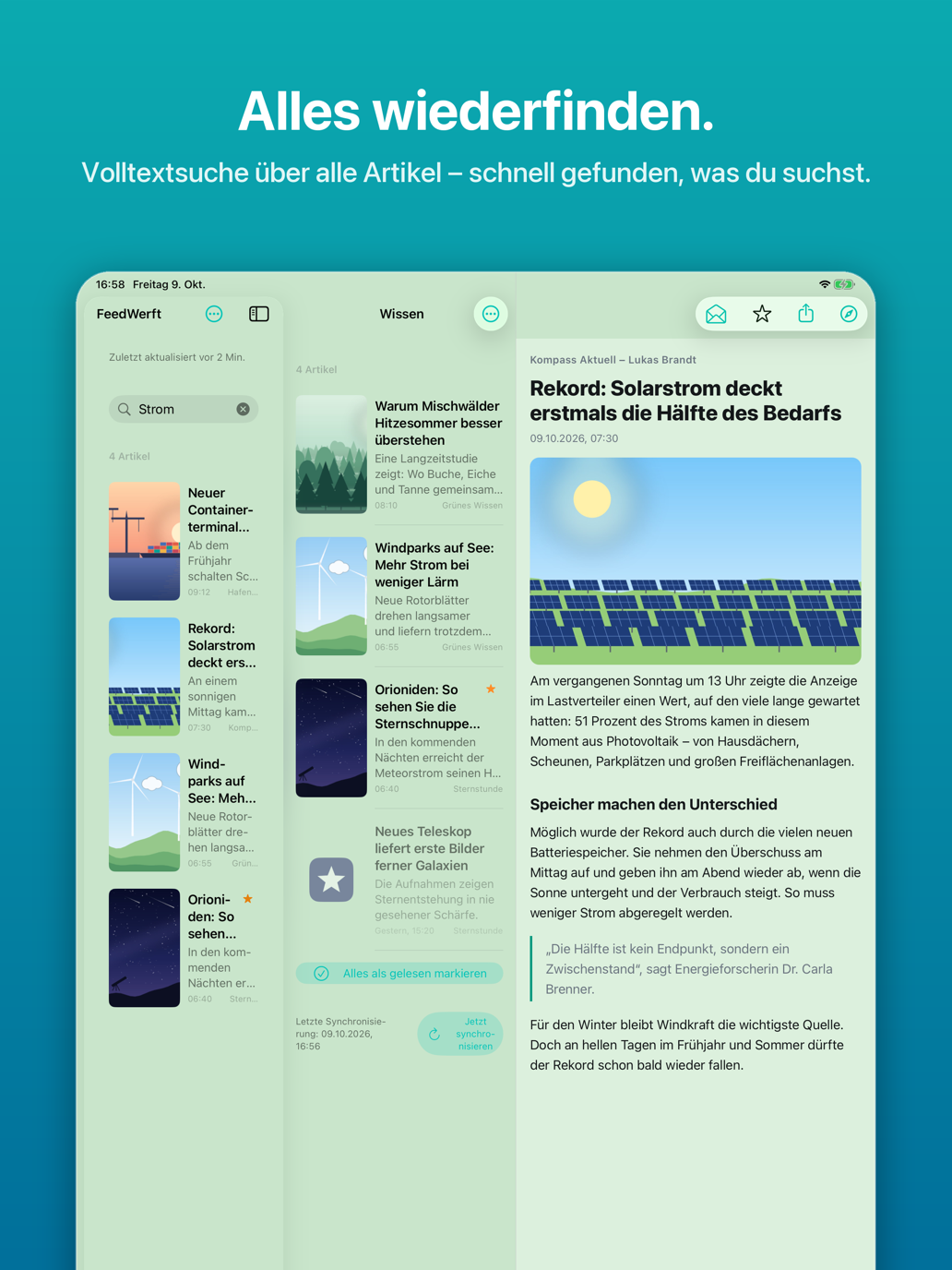
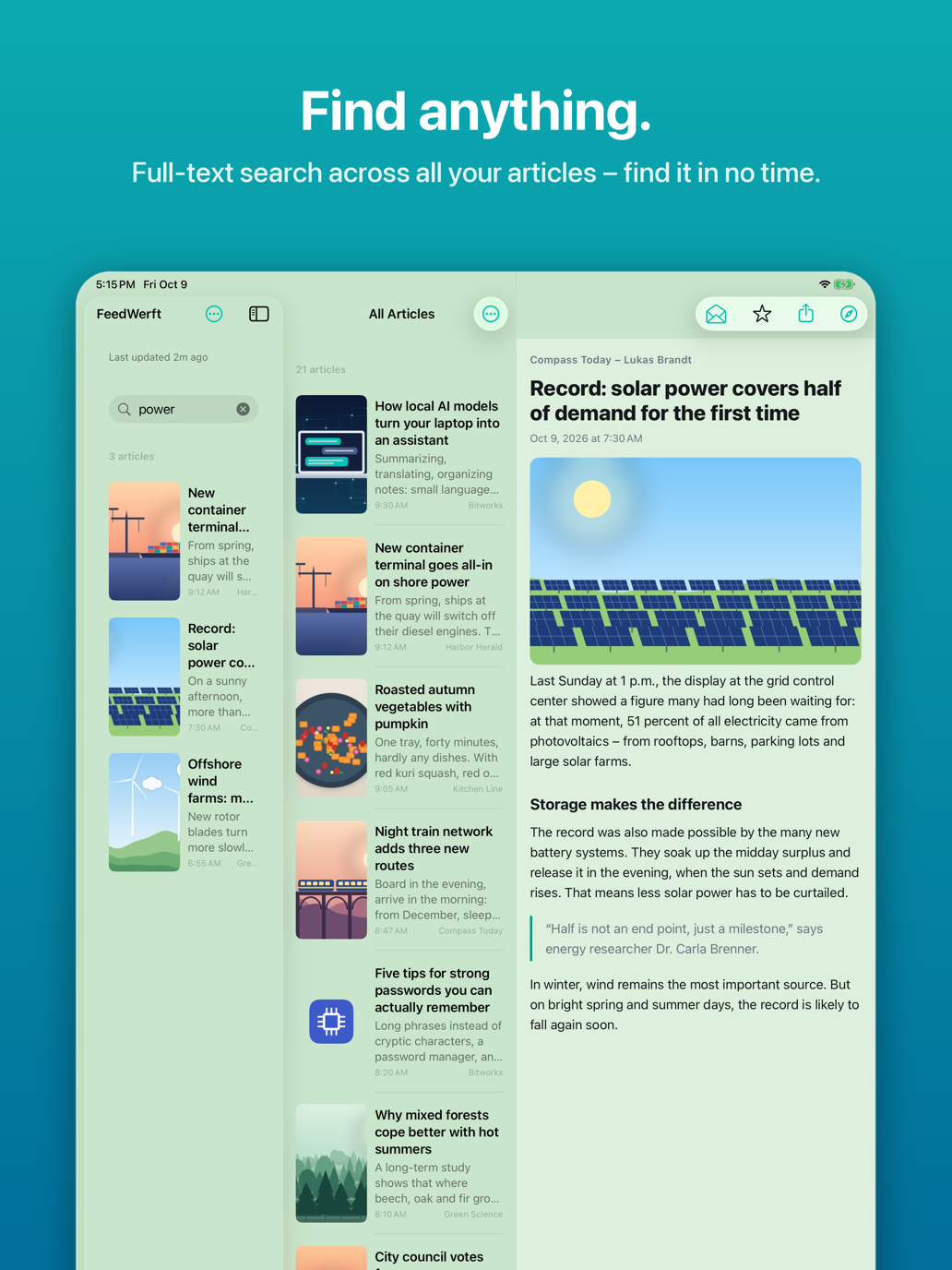
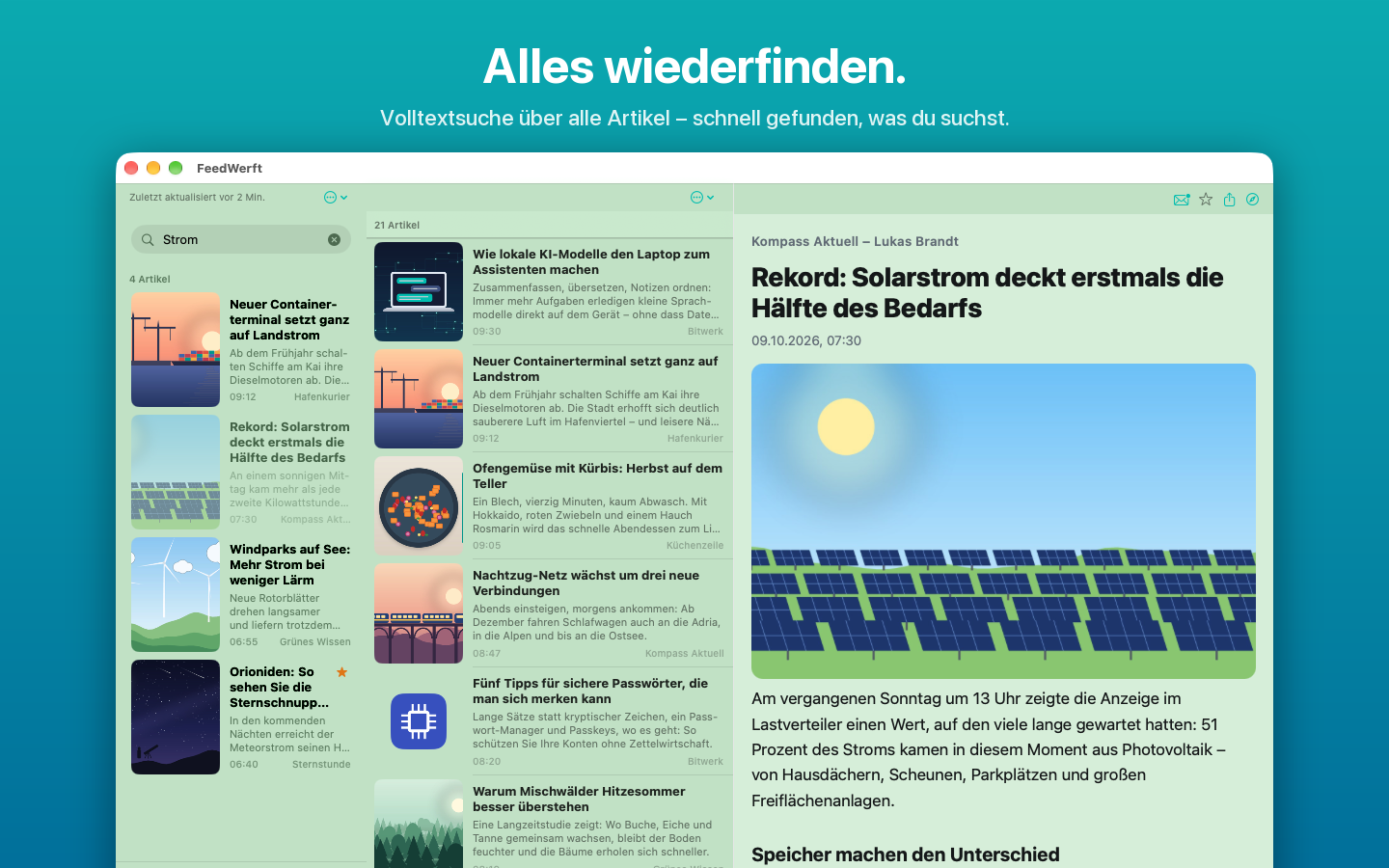
Alles wiederfinden
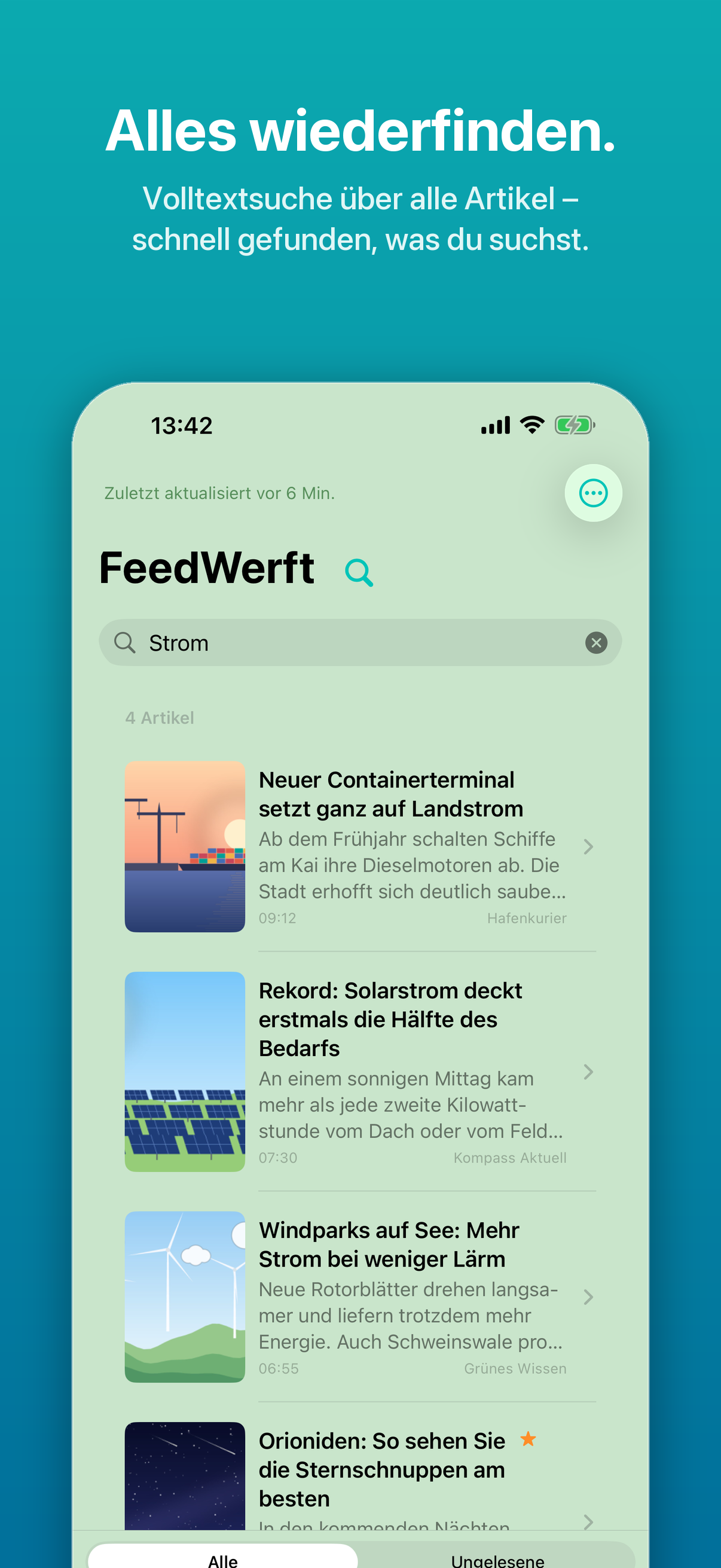
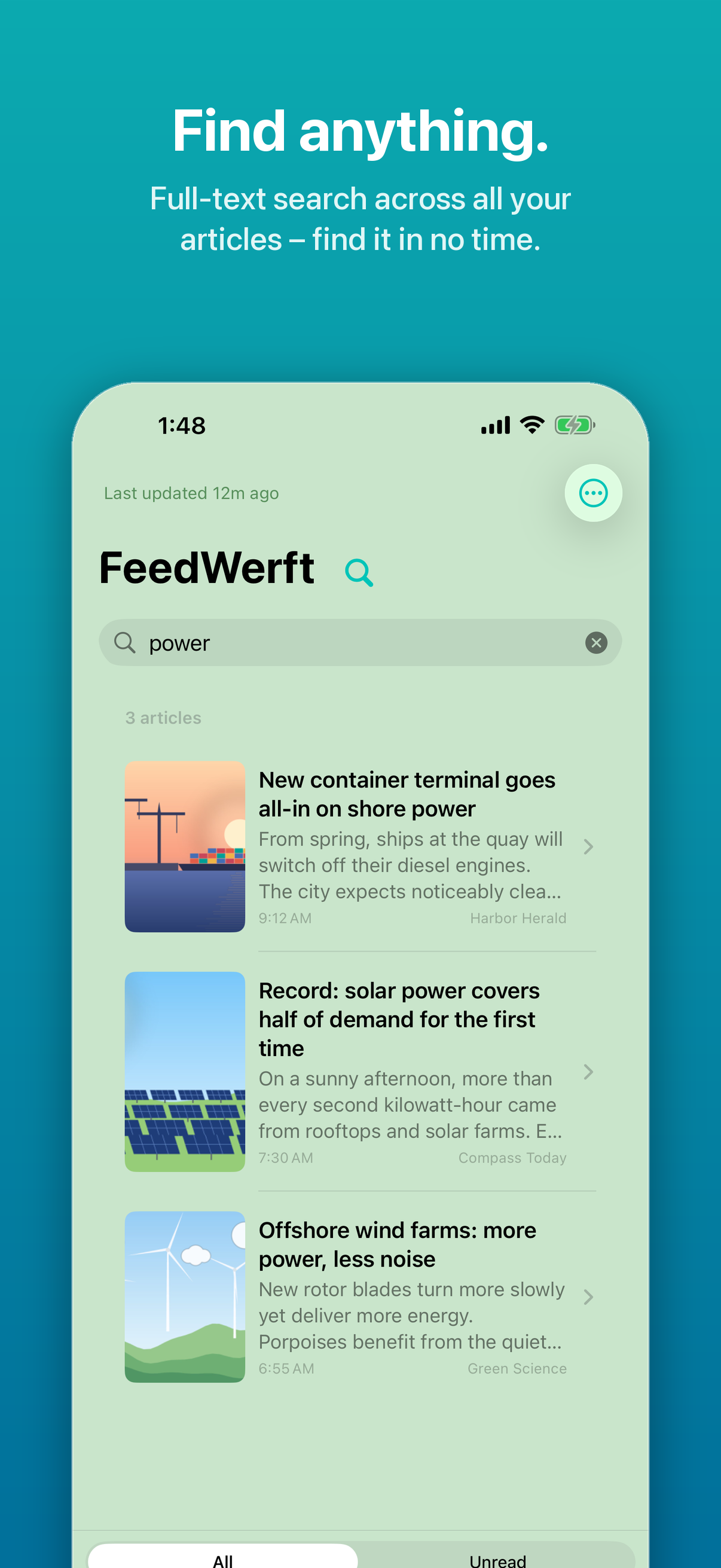
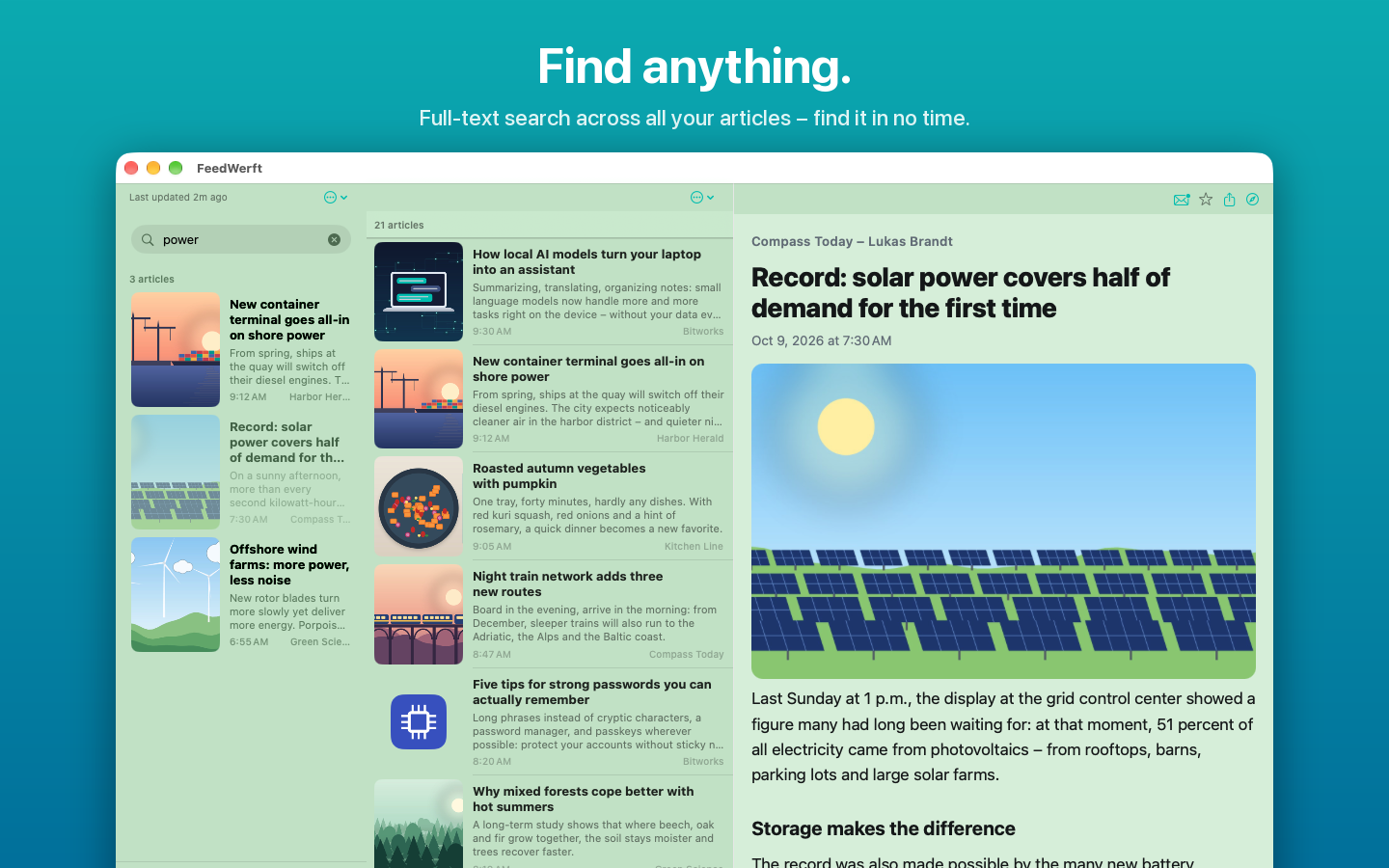
Die Volltextsuche durchsucht alle gespeicherten Artikel über alle Feeds hinweg. Wichtiges markierst du als Favorit – Favoriten bleiben dauerhaft erhalten.
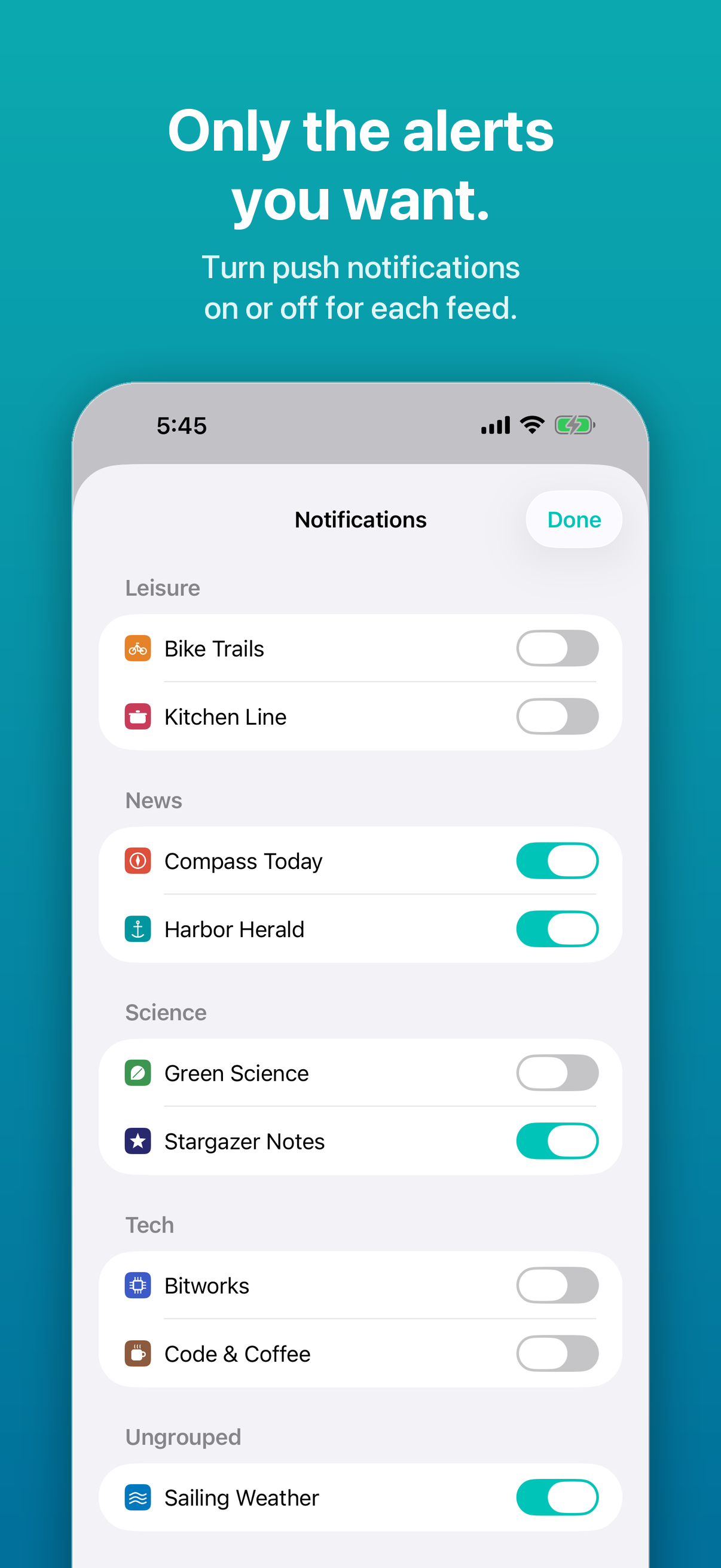
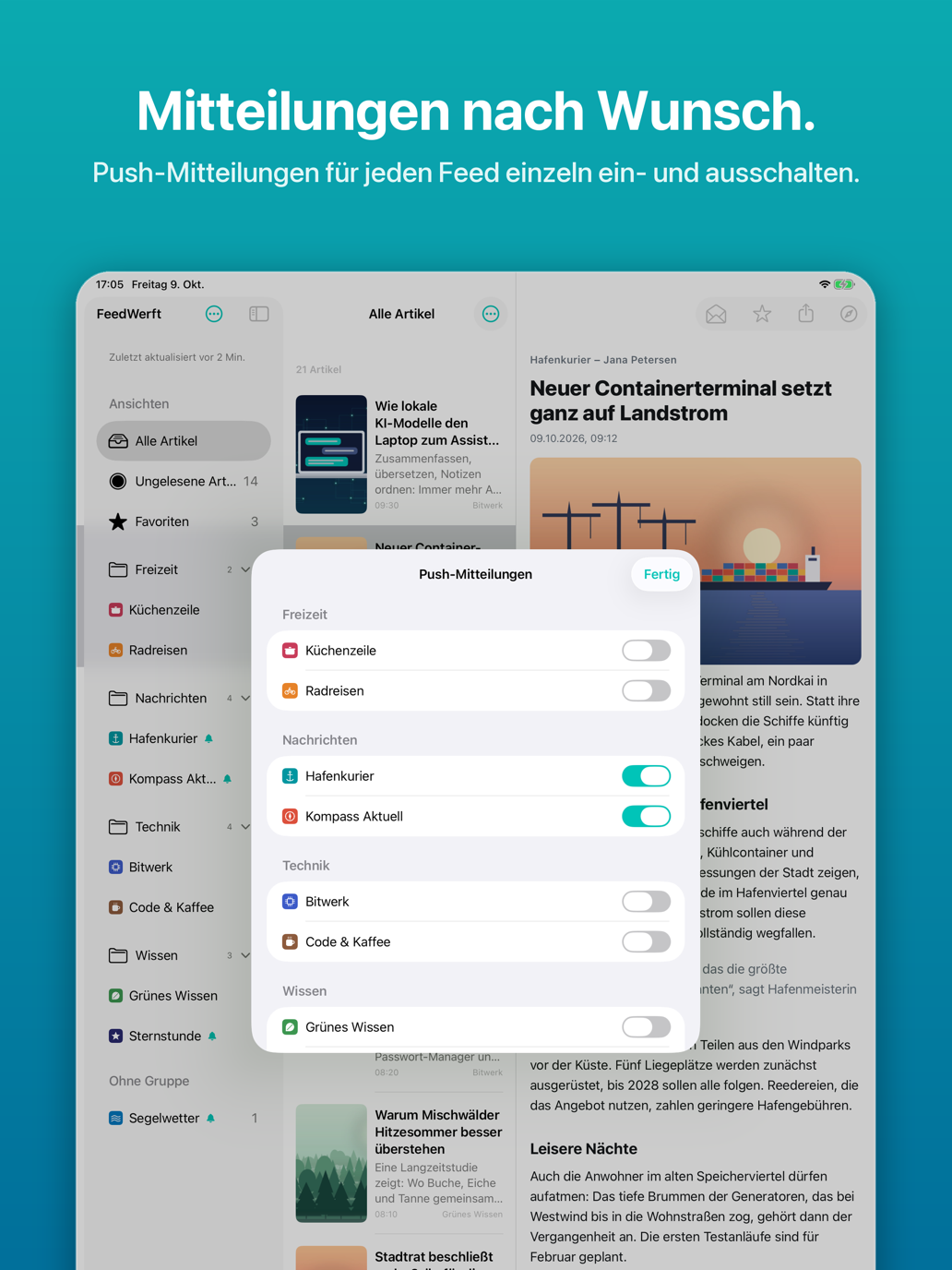
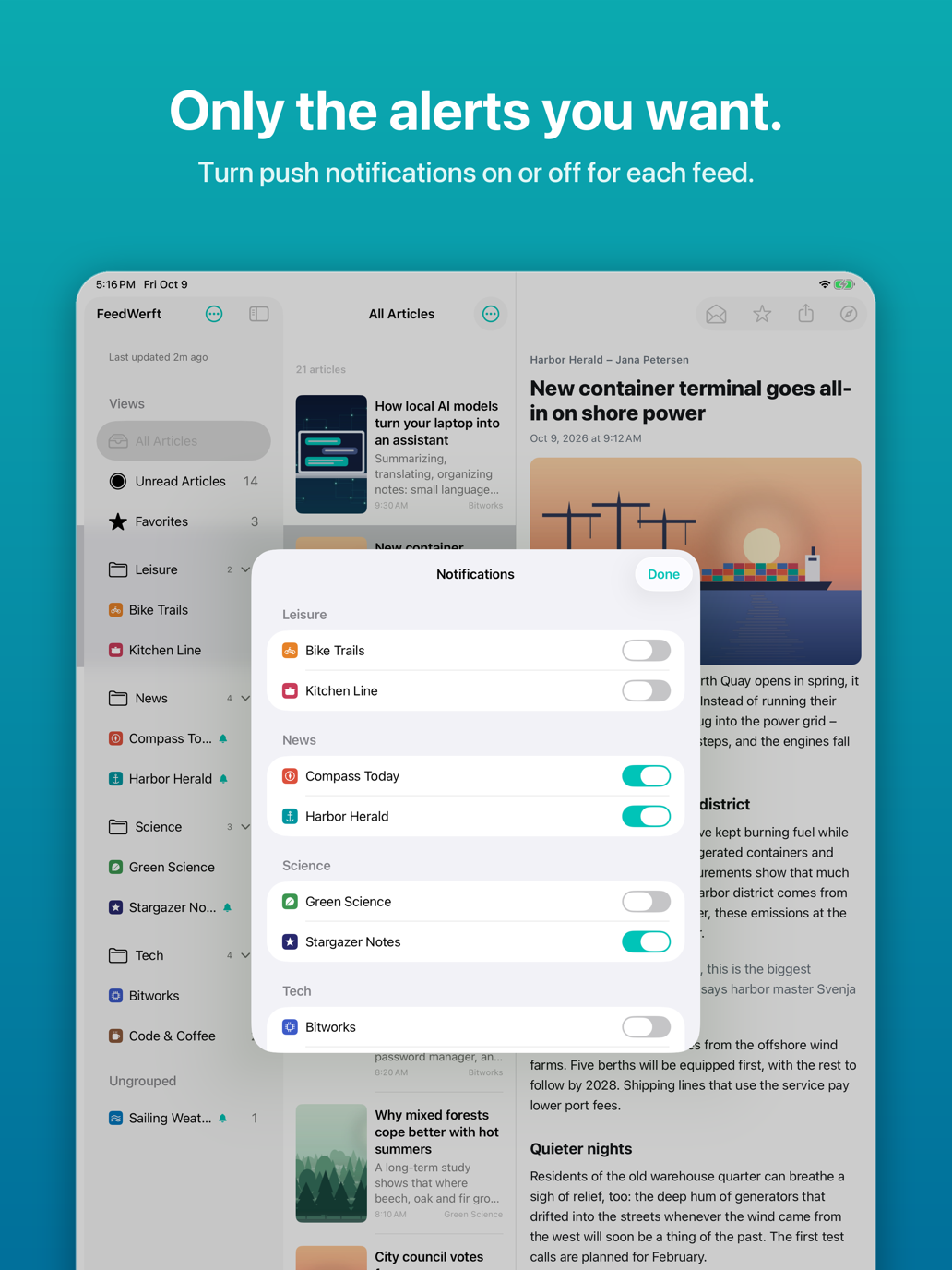
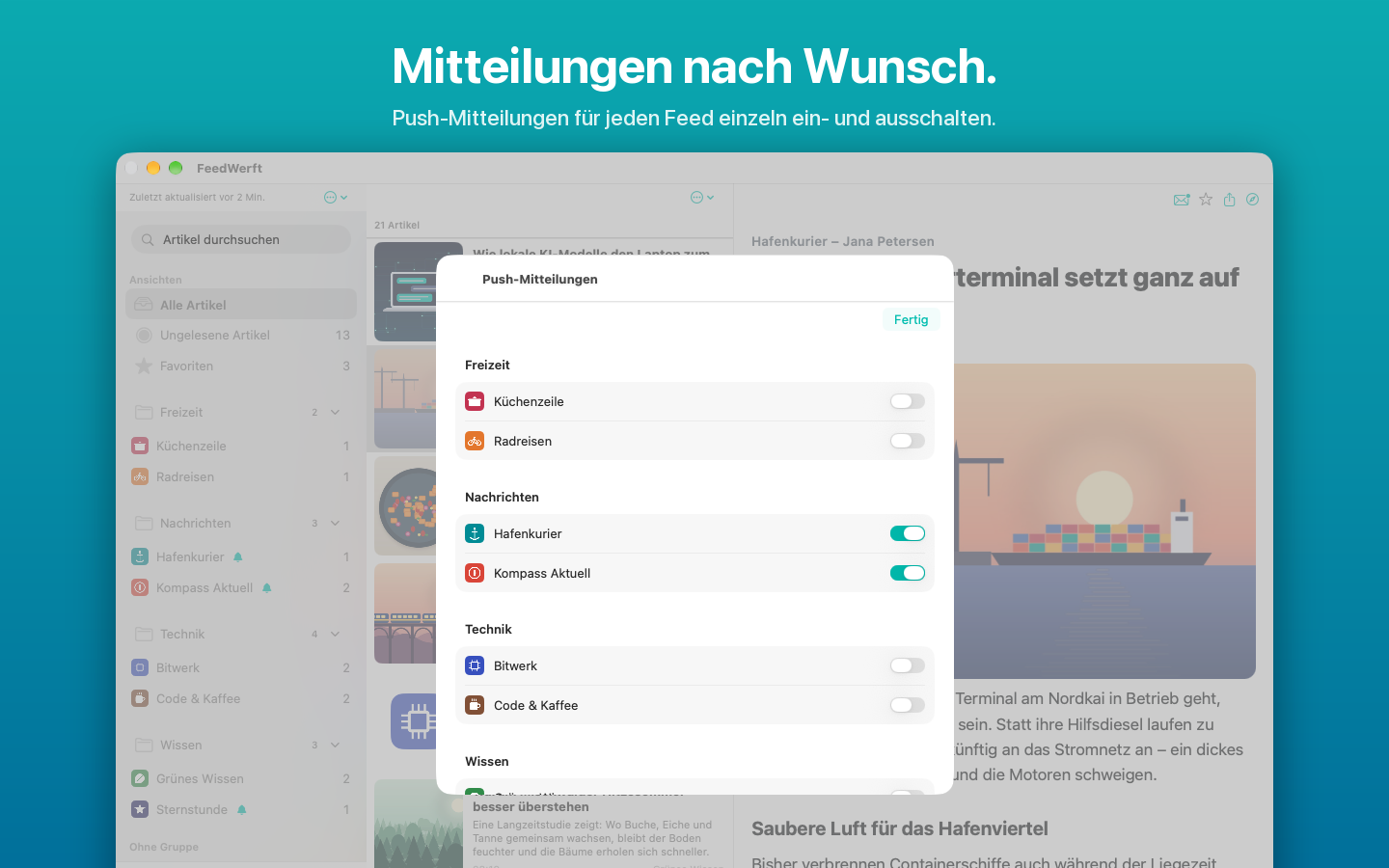
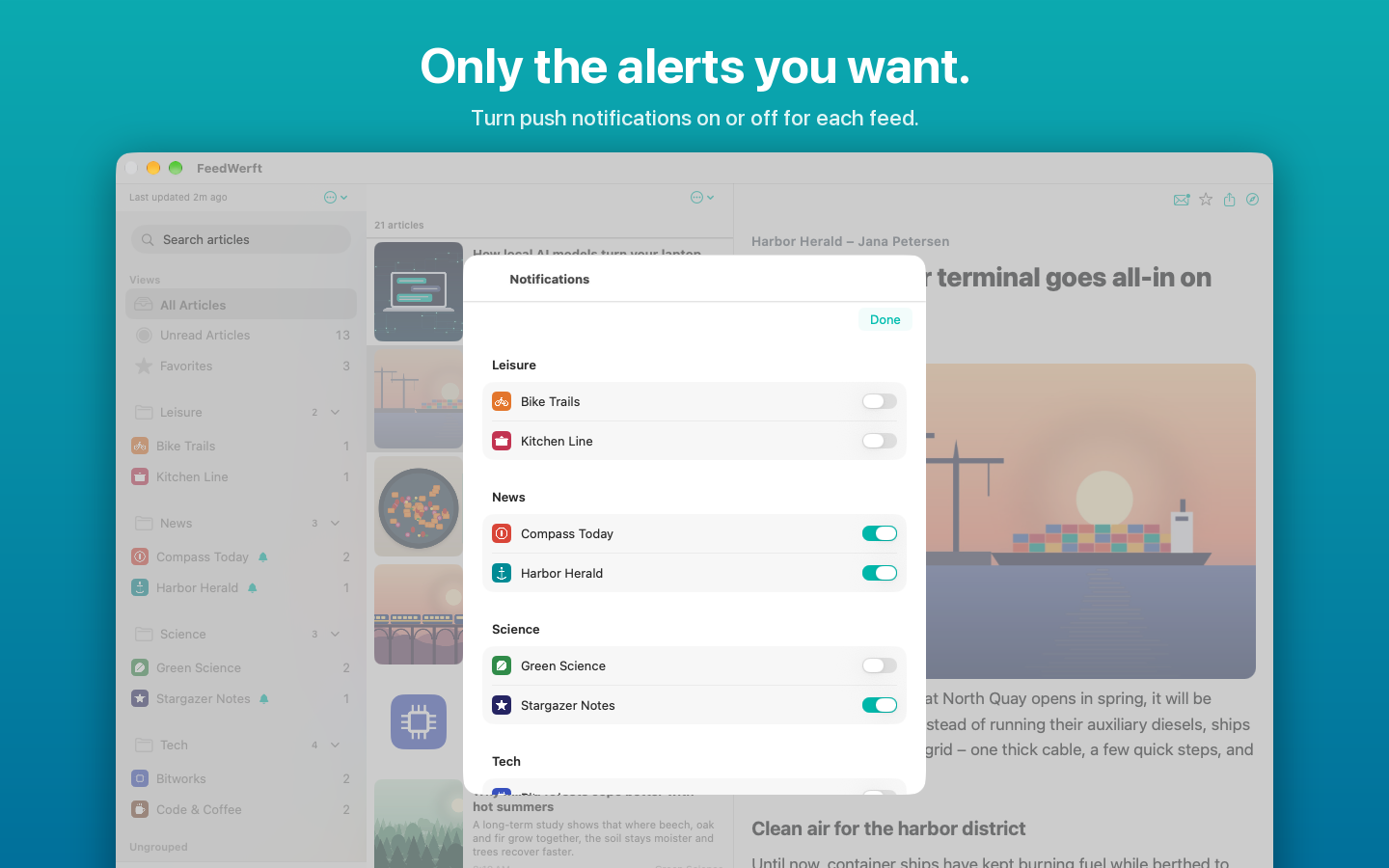
Nur die Mitteilungen, die du willst
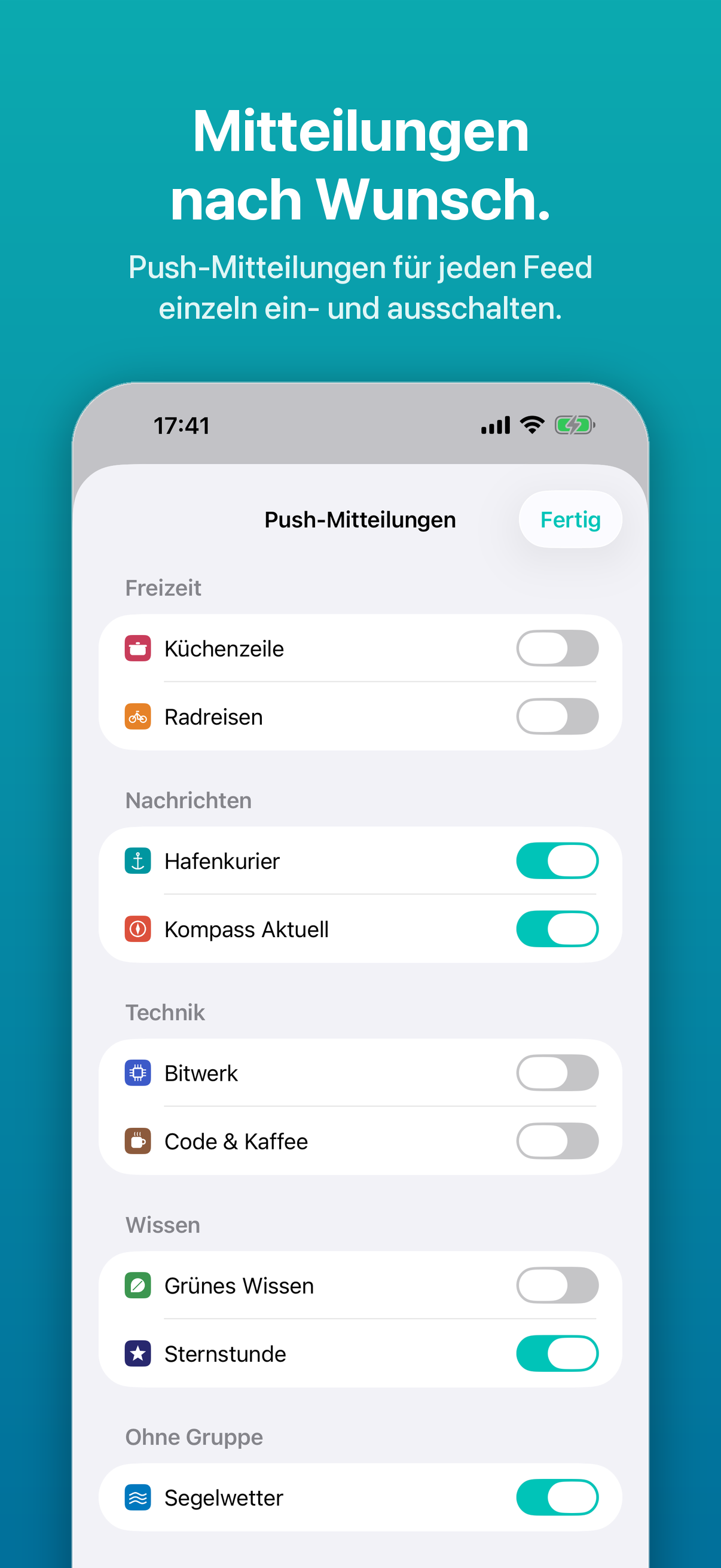
Push-Mitteilungen lassen sich für jeden Feed einzeln ein- und ausschalten. Die Zahl der ungelesenen Artikel steht am App-Symbol – auf dem Mac direkt in der Menüleiste.
Auf allen Geräten
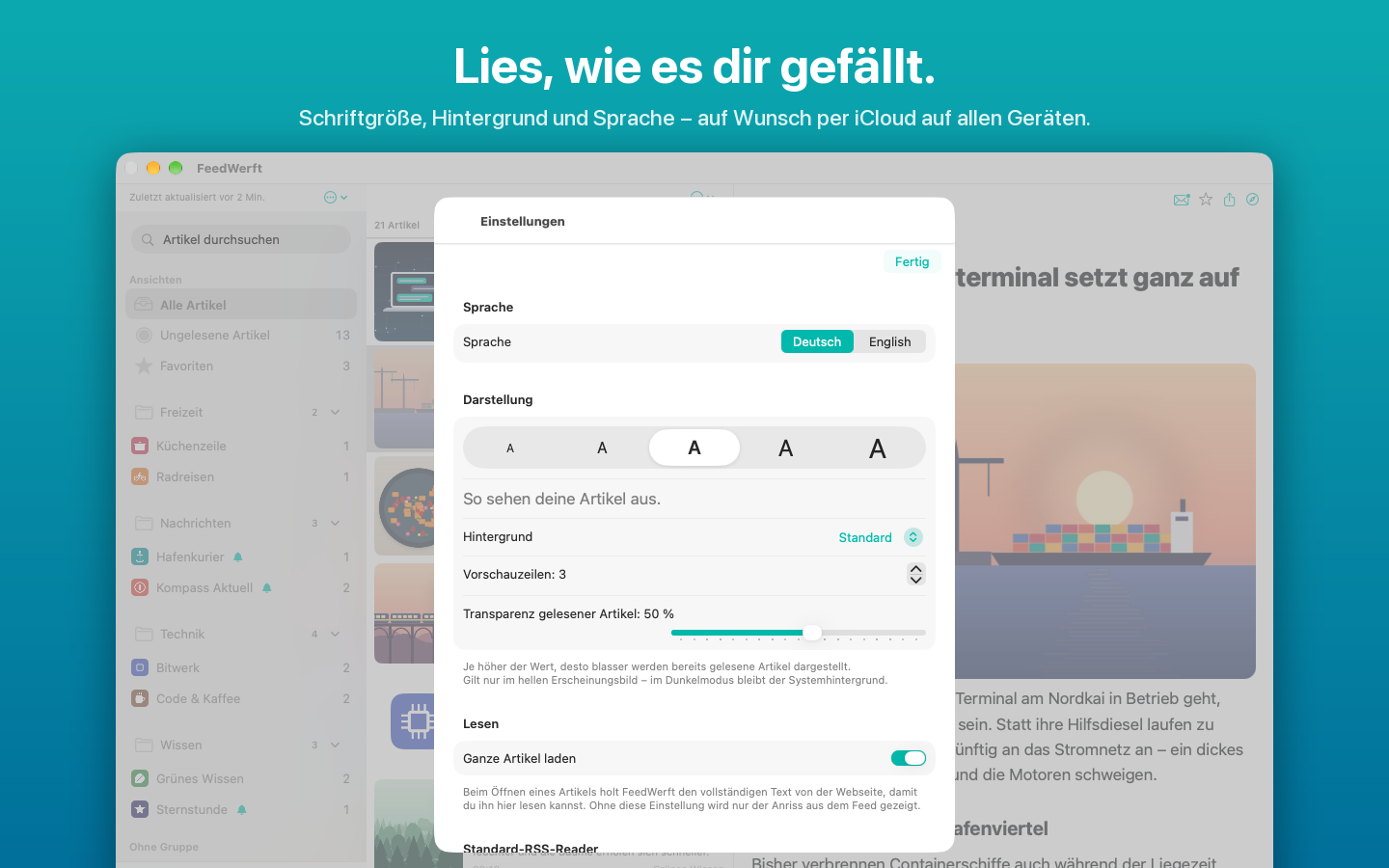
FeedWerft läuft auf iPhone, iPad und Mac. Über deine eigene iCloud gleichen sich Feeds, Gruppen, Lesestatus, Favoriten und Einstellungen zwischen deinen Geräten ab. Auf dem Mac wohnt FeedWerft in der Menüleiste und kann als Standard-RSS-Reader festgelegt werden.
Weitere Funktionen
- Ansichten für alle, ungelesene und favorisierte Artikel
- Umschalter „Alle“ / „Ungelesene“ für die ganze App
- Wischgesten zum Markieren als gelesen und als Favorit
- Hintergrundaktualisierung in einstellbarem Intervall
- Automatische Bereinigung alter Artikel – Favoriten bleiben immer
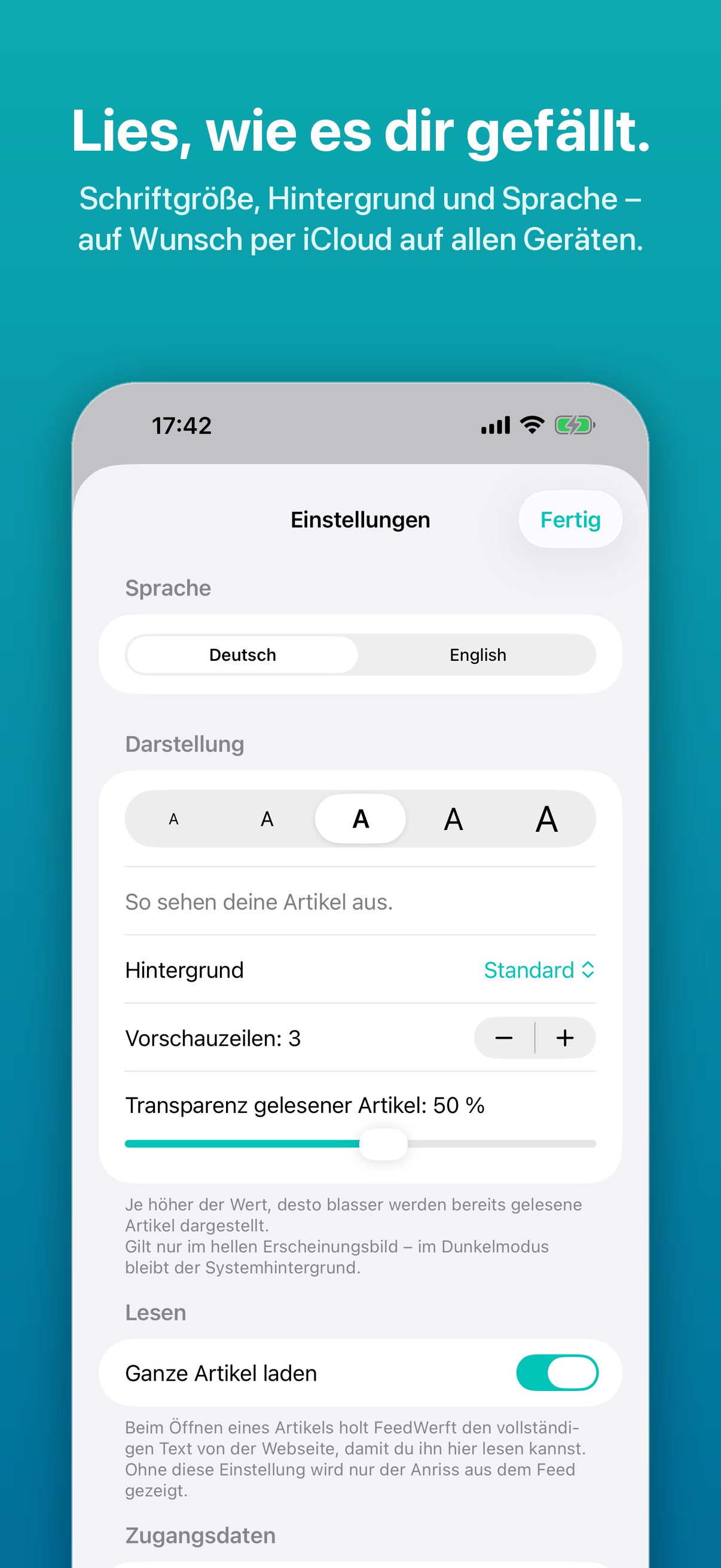
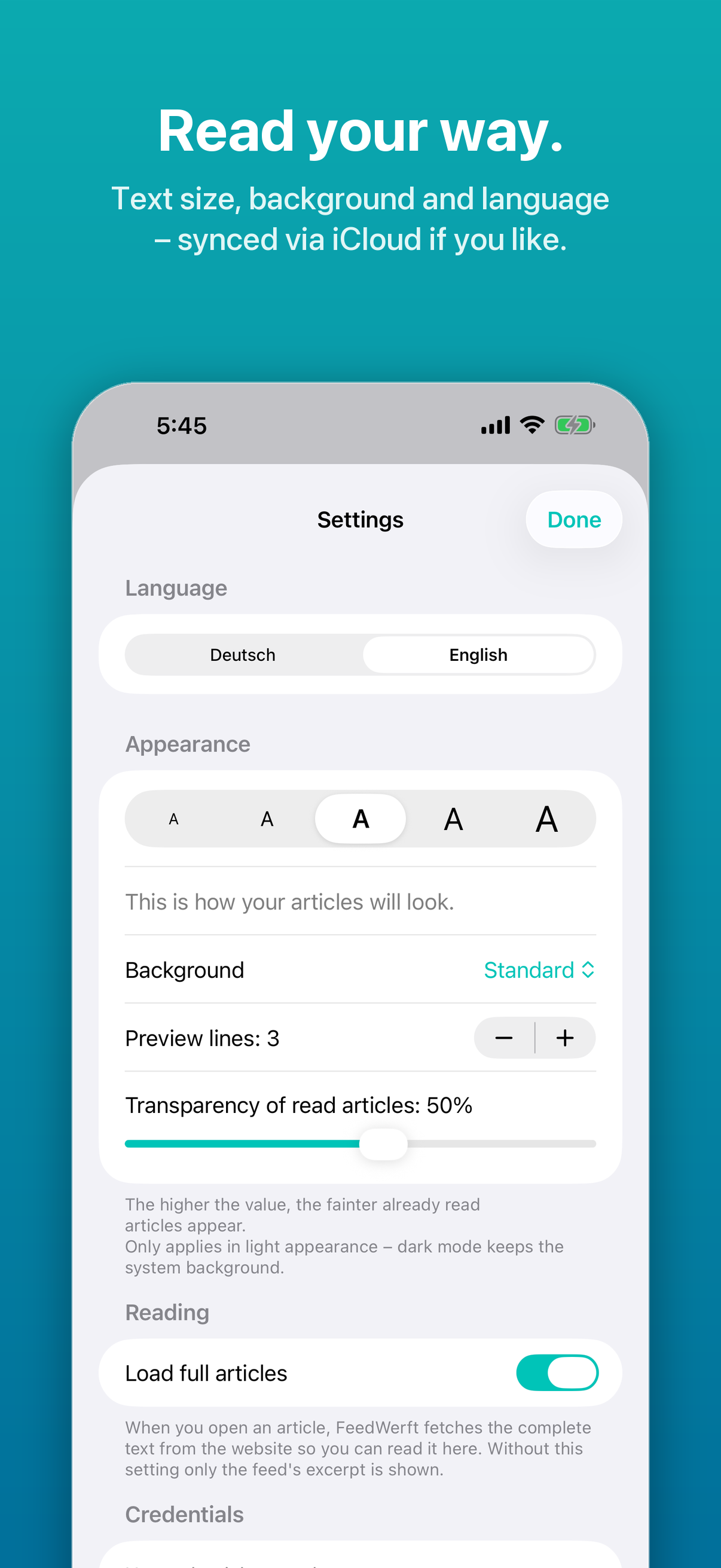
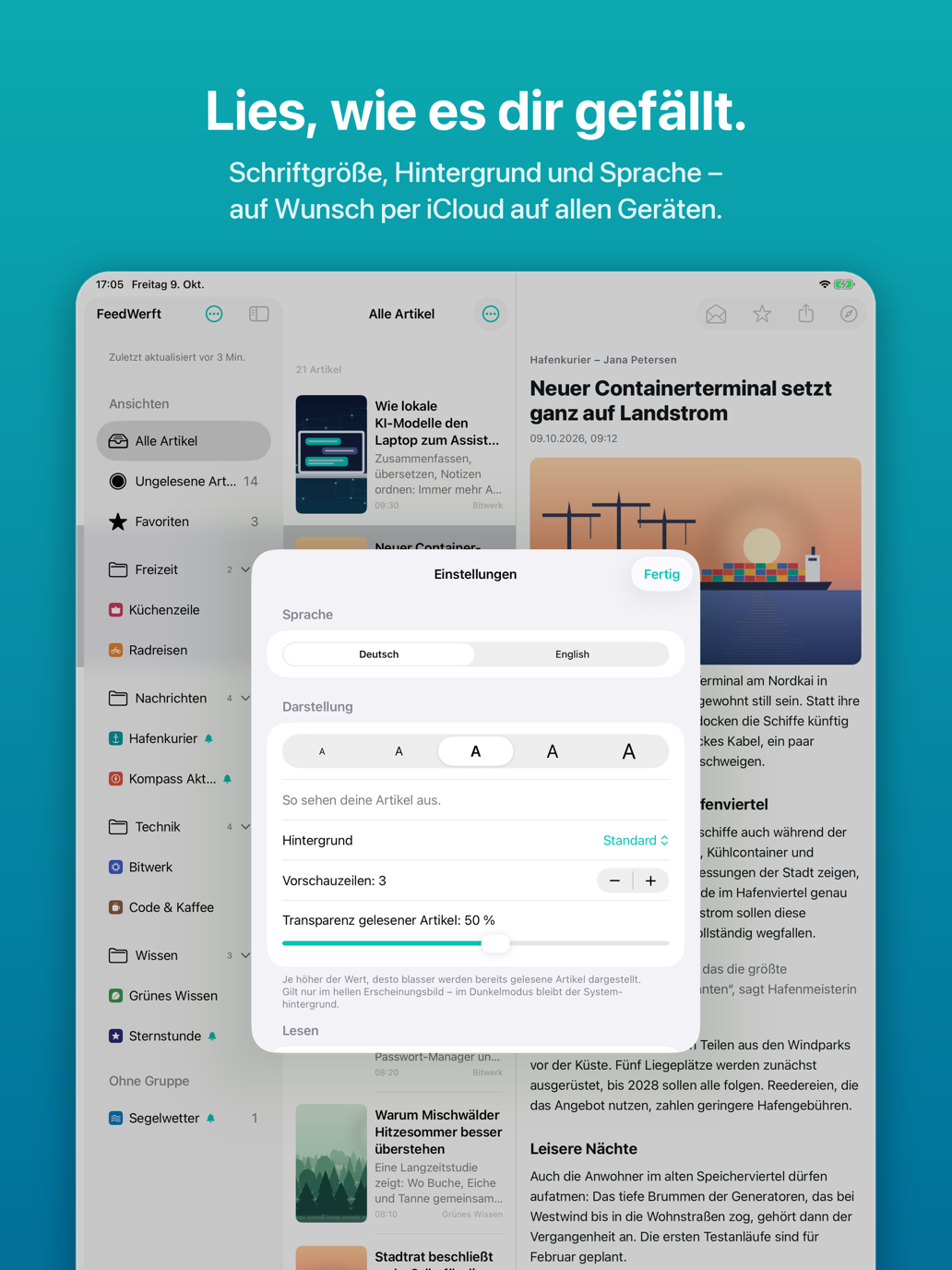
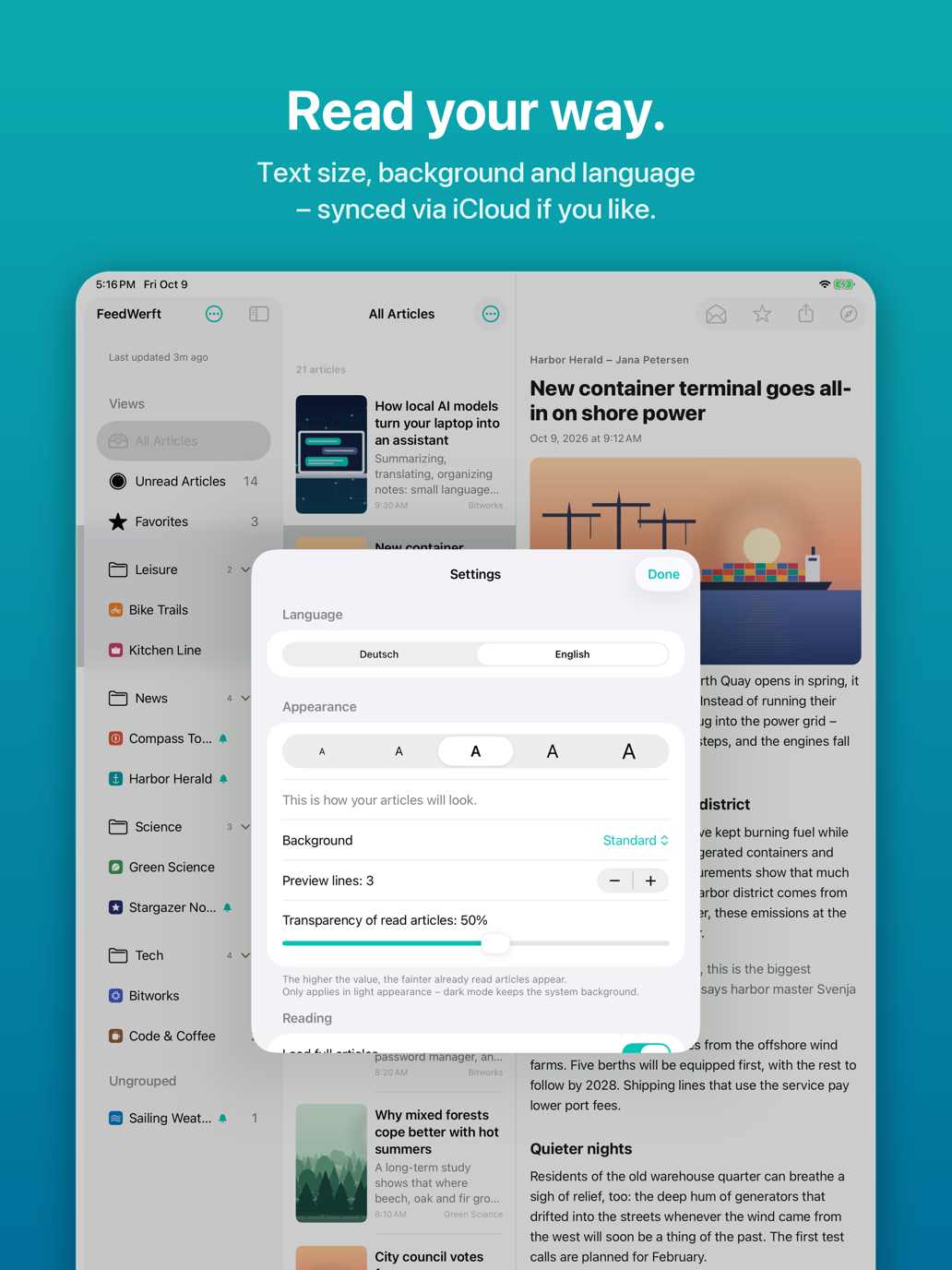
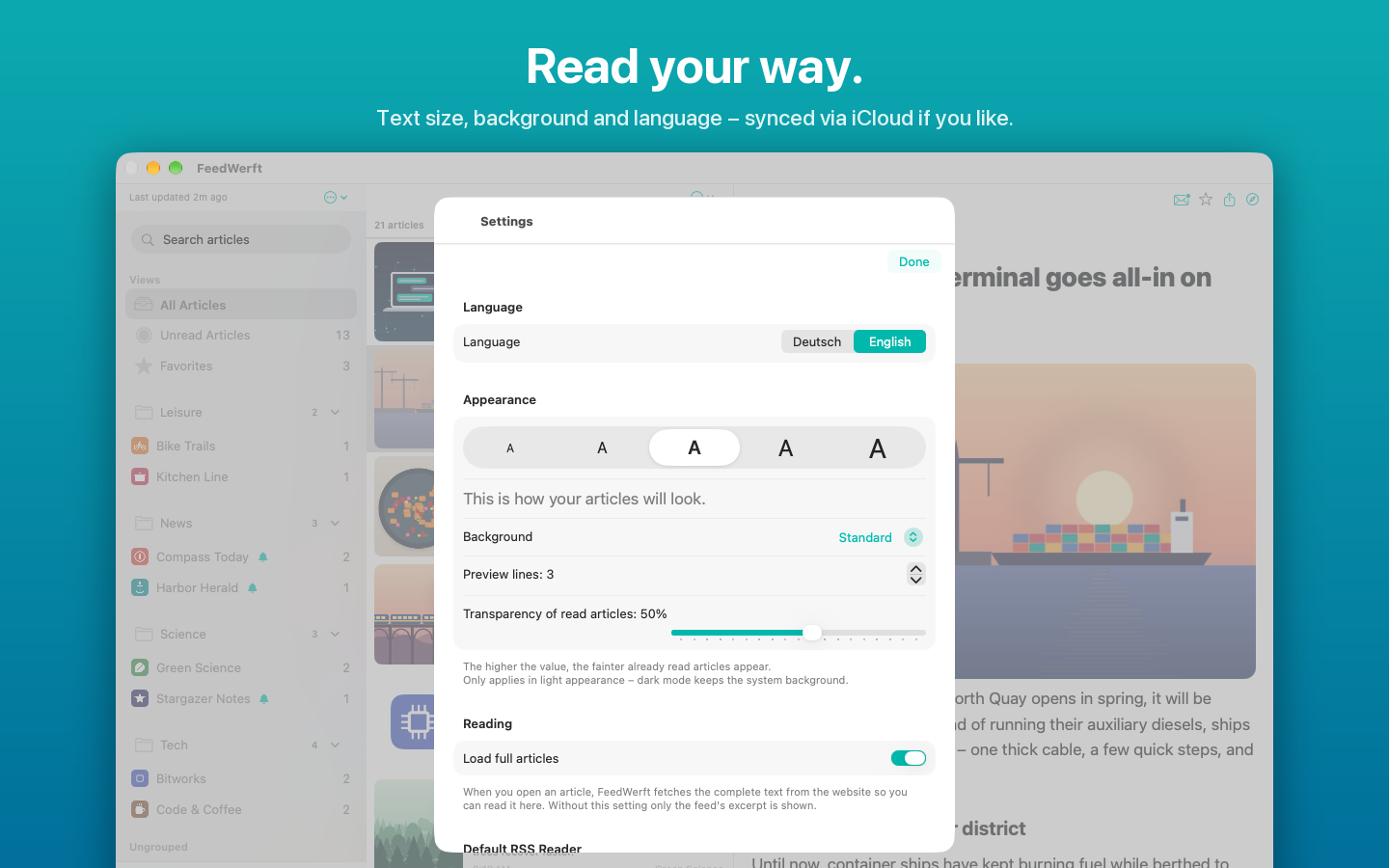
- Einstellbare Vorschauzeilen und Transparenz gelesener Artikel
- Home-Widgets in drei Größen mit wählbarer Quelle
- Feed-Verweise (feed://) öffnen direkt den Dialog zum Hinzufügen
- Deutsch und Englisch – unabhängig von der Systemsprache
Testen und Vollversion
FeedWerft kannst du ab dem ersten angelegten Feed 14 Tage lang uneingeschränkt ausprobieren. Danach schaltest du die Vollversion mit einem einmaligen Kauf frei – kein Abo. Der Kauf gilt für iPhone, iPad und Mac mit deiner Apple-ID.
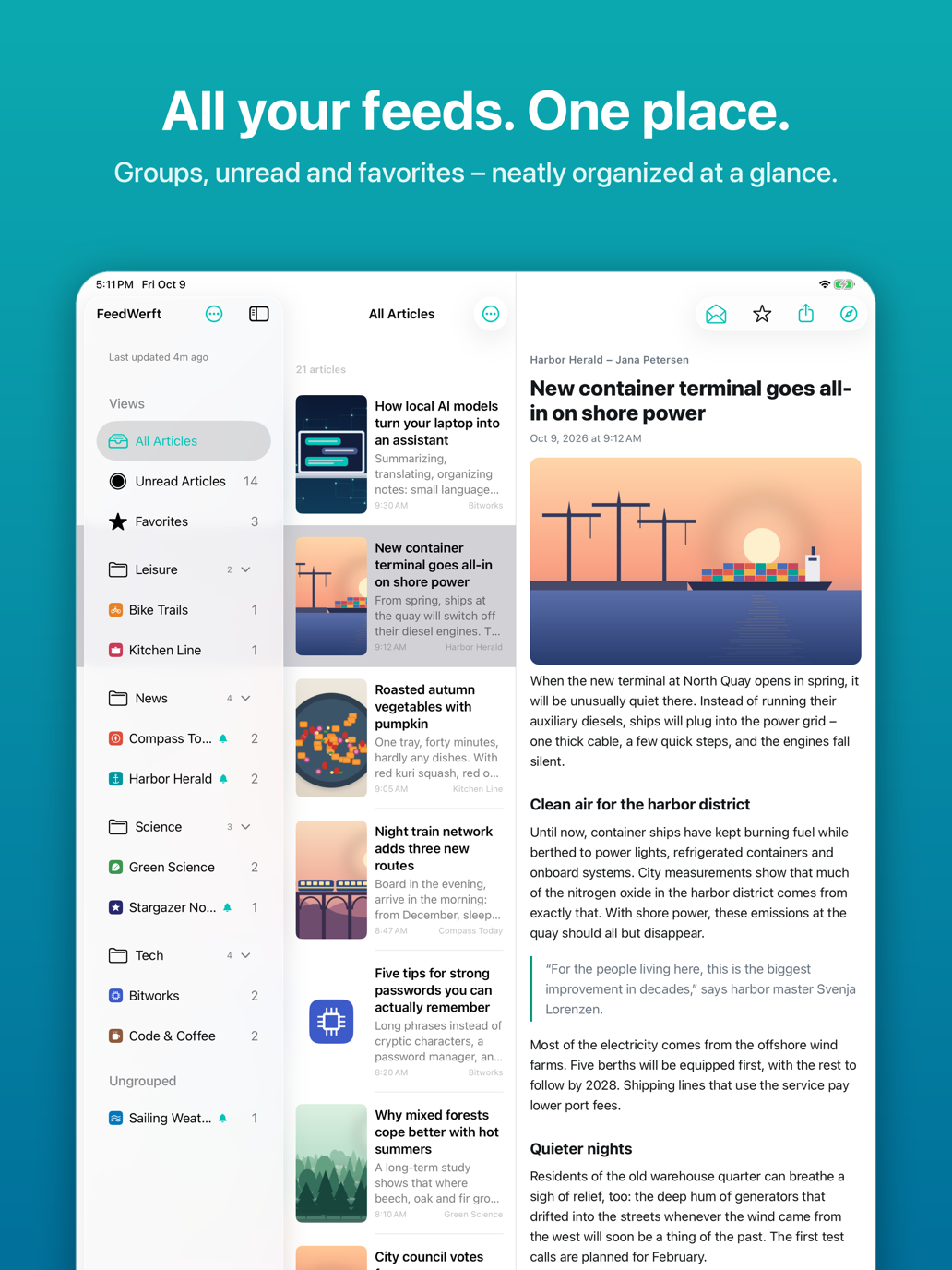
All your feeds in one place
FeedWerft collects news, blogs and YouTube channels in one clear list. Just enter a website address – FeedWerft finds the matching RSS or Atom feeds by itself. Organize your feeds in groups and see at a glance where there's something new.
Full articles, read in peace
Many feeds only deliver a short teaser. If you like, FeedWerft loads the complete article from the website and shows it neatly inside the app – without banner ads, pop-ups or distractions. For subscription sites you can store your credentials securely in the keychain.
Find anything
Full-text search looks through all stored articles across all feeds. Mark important articles as favorites – favorites are kept permanently.
Only the alerts you want
Push notifications can be turned on or off for each feed individually. The number of unread articles is shown on the app icon – and on the Mac right in the menu bar.
On all your devices
FeedWerft runs on iPhone, iPad and Mac. Through your own iCloud, feeds, groups, read state, favorites and settings stay in sync across your devices. On the Mac, FeedWerft lives in the menu bar and can be set as the default RSS reader.
More features
- Views for all, unread and favorite articles
- “All” / “Unread” switch for the whole app
- Swipe gestures to mark articles as read or favorite
- Background refresh at an adjustable interval
- Automatic cleanup of old articles – favorites are always kept
- Adjustable preview lines and transparency of read articles
- Home Screen widgets in three sizes with a selectable source
- Feed links (feed://) open the “Add Feed” dialog right away
- English and German – independent of the system language
Free trial and full version
Try FeedWerft without limits for 14 days, starting with your first feed. After that, unlock the full version with a one-time purchase – no subscription. The purchase is valid on iPhone, iPad and Mac with your Apple ID.